Users can boost home router security by changing default settings in ten minutes
Homeowners are advised to log into their network equipment and adjust specific options to strengthen protection against internet traffic.
Accessing the admin panel
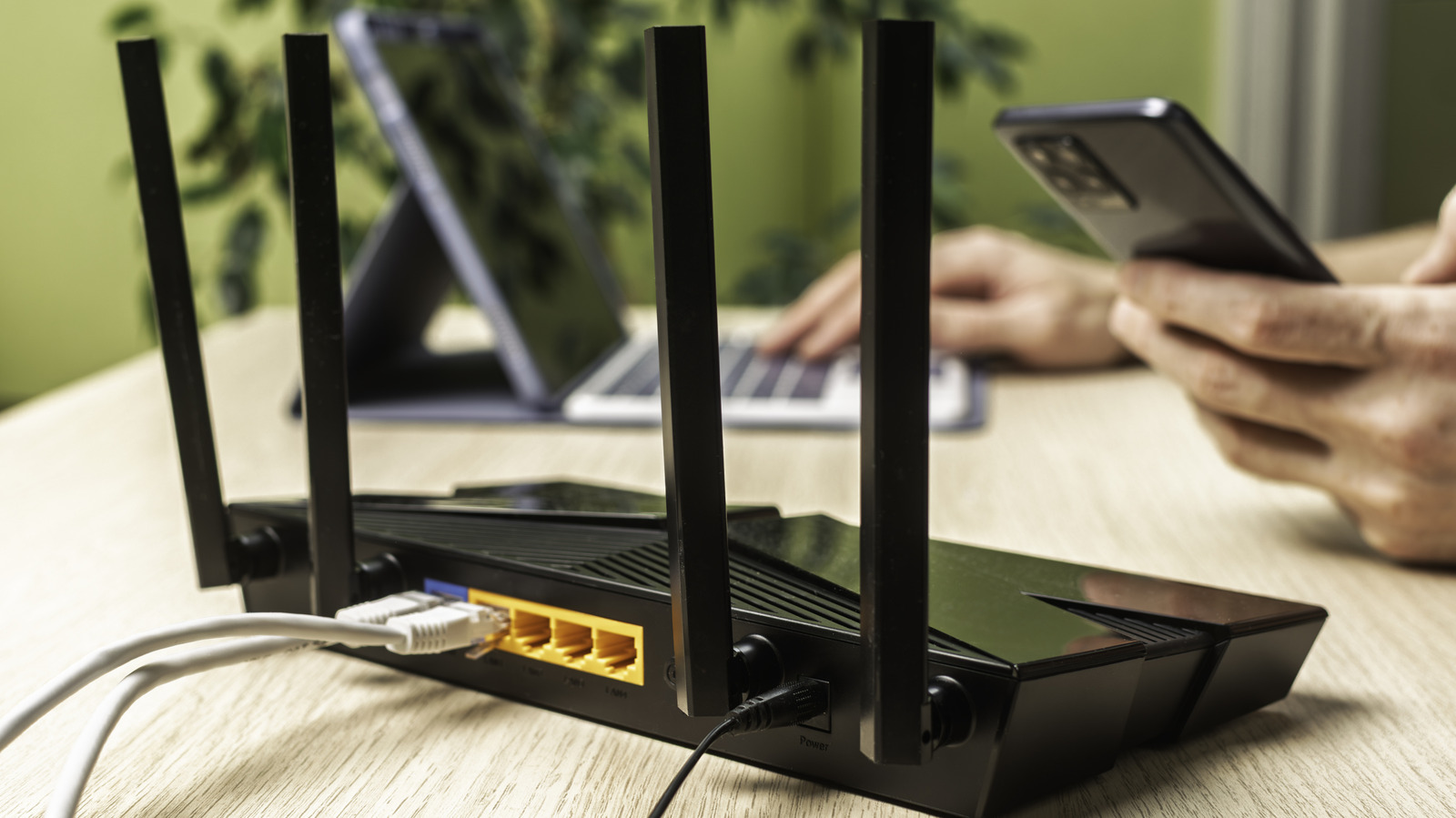
Owners should type the router's IP address into a web browser while connected to their home network. This address is often found on a sticker located on the back or underside of the device.
Finding the gateway address
Windows users can open a Command Prompt and enter ipconfig to locate the Default Gateway value. Mac owners should hold the Option key and click the Wi-Fi icon to view the router IP.
Logging into the system
The credentials required for the admin panel differ from those used to connect devices to Wi-Fi. Users who have never changed these details should look for a sticker with the original information.
Reported by one outlet
Only one outlet has published this. Nothing here has been checked against a second report, so read it as that outlet's account and follow the link below for the original.
Reported by
1 independent outlet. Headline as published. Links open the original report.