Android users can extend battery life with simple display and app adjustments
Tech guides explain that Android phone owners can improve daily battery performance and long-term health by changing specific settings in under five minutes.
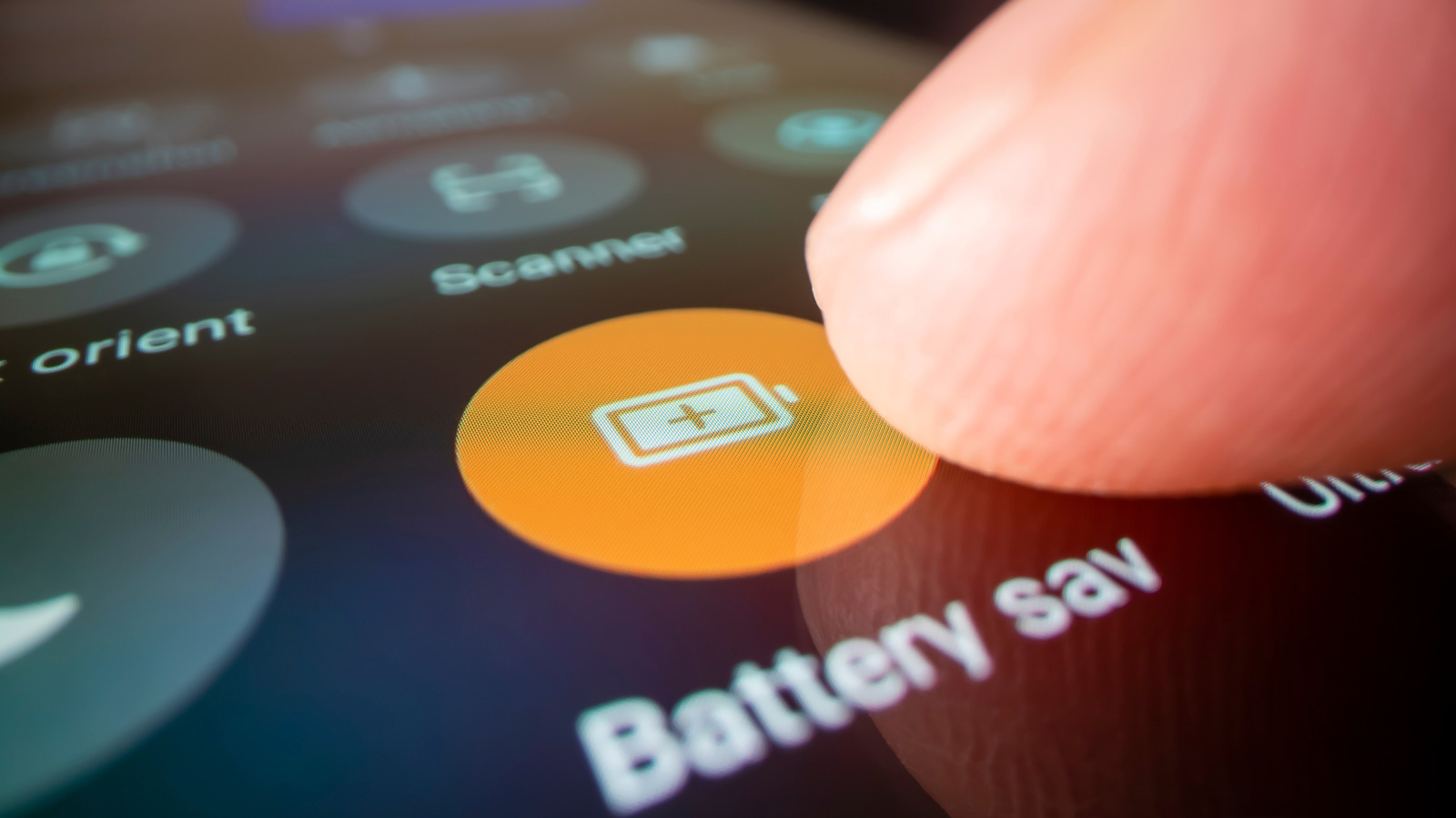
Display settings reduce power drain
The screen is identified as the largest source of battery consumption on most devices. Lowering brightness manually or enabling auto-brightness prevents the display from using unnecessary power. These changes address a common frustration where phones run out of juice by noon.
Background apps waste energy
Apps refreshing in the background around the clock contribute significantly to daily power loss. Poor charging habits and ignoring draining applications also shorten the time available for use. Targeted adjustments can add hours back to the day without affecting normal usage.
Long-term battery health matters
Users should consider both immediate drain and the long-term health of the battery component. Preventing preventable reasons for power loss helps avoid the need to replace the battery later. Practical steps allow owners to fix worst power drains without needing technical expertise.
Reported by one outlet
Only one outlet has published this. Nothing here has been checked against a second report, so read it as that outlet's account and follow the link below for the original.
Reported by
1 independent outlet. Headline as published. Links open the original report.