Users can improve laptop webcam quality with lighting and cleaning
Tech outlets report that users can enhance their laptop camera images by adjusting room lighting and cleaning the lens.
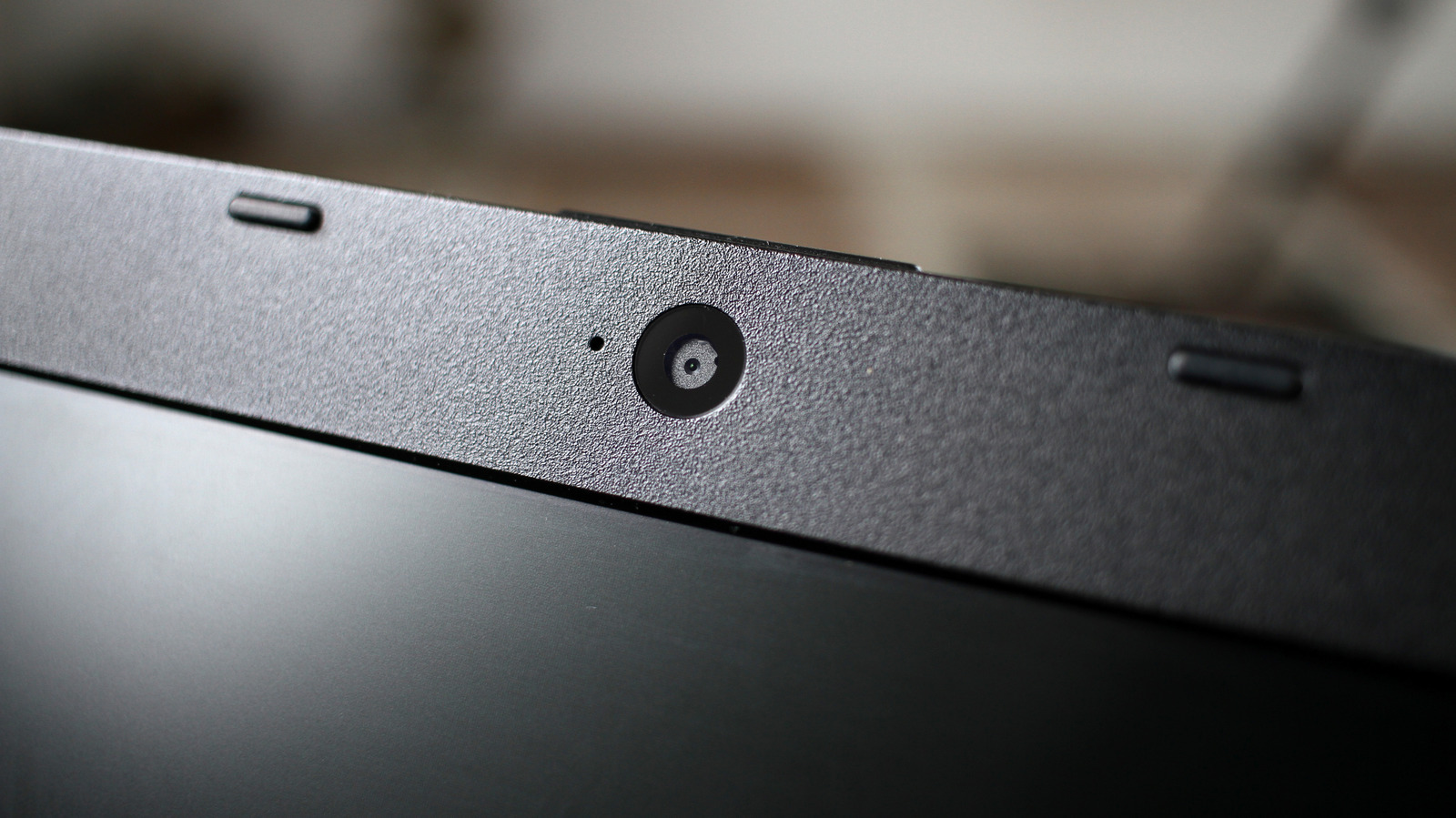
Cleaning the webcam lens
Fingerprints on the camera often make the image appear blurry. Wiping the device with a microfiber cloth before a call is recommended. Household cleaning products can damage the screen, so they should be avoided.
Adjusting room lighting conditions
Lighting is considered more important than any software settings for image quality. Poor lighting ruins the picture even if other adjustments are made. Ambient light levels have a major impact on how the camera captures an image.
Hardware limitations of thin lids
Manufacturers must fit cameras into ultra-thin laptop lids measuring only millimeters in thickness. Large sensors found in smartphones do not fit inside these slim designs. Smaller sensors capture less light, which results in grainy or washed-out images.
Reported by one outlet
Only one outlet has published this. Nothing here has been checked against a second report, so read it as that outlet's account and follow the link below for the original.
Reported by
1 independent outlet. Headline as published. Links open the original report.