iPhone users can customize Camera Control button gestures in settings
Apple owners with iPhone 16, 17, and 18 series models can now adjust the functions of their device's side-mounted Camera Control button through the system settings.
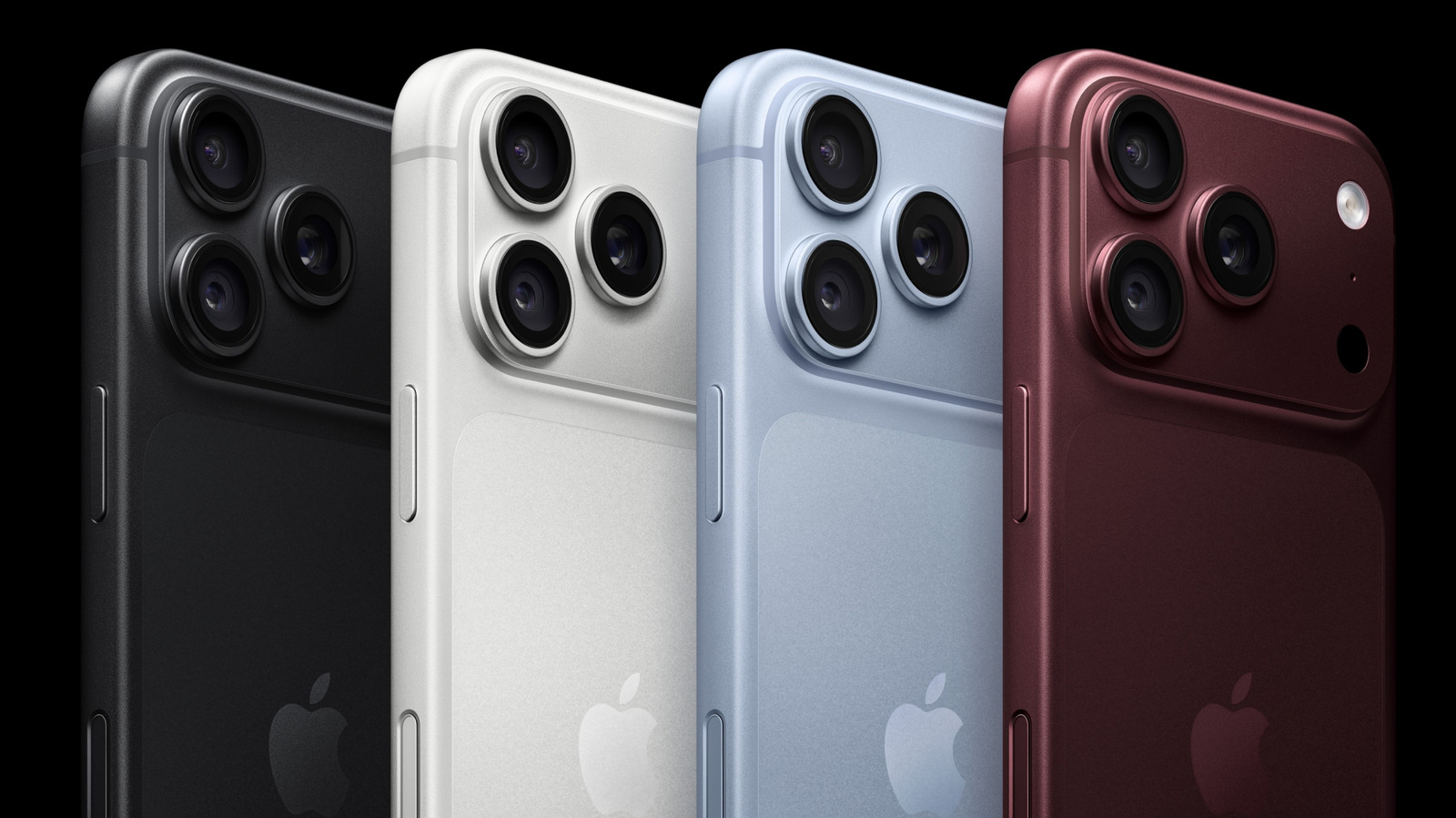
Default camera actions explained
The capacitive button on the right side supports single clicks to launch the app and swipes to access tools like exposure or zoom. A second click captures an image while a long press starts video recording. Double-tapping the button opens Visual Intelligence for Siri questions about surroundings.
Customizing launch options available
Users can change which supported app opens when they press the button by navigating to Settings and then Camera. The default application is set to the standard camera but other choices exist within the menu pane. This process allows owners to tailor the mobile photography workflow to their specific needs.
Reported by one outlet
Only one outlet has published this. Nothing here has been checked against a second report, so read it as that outlet's account and follow the link below for the original.
Reported by
1 independent outlet. Headline as published. Links open the original report.