Users can clean laptop fans without opening the device
Tech guides explain how to maintain laptop cooling systems by cleaning vents and fans using compressed air.
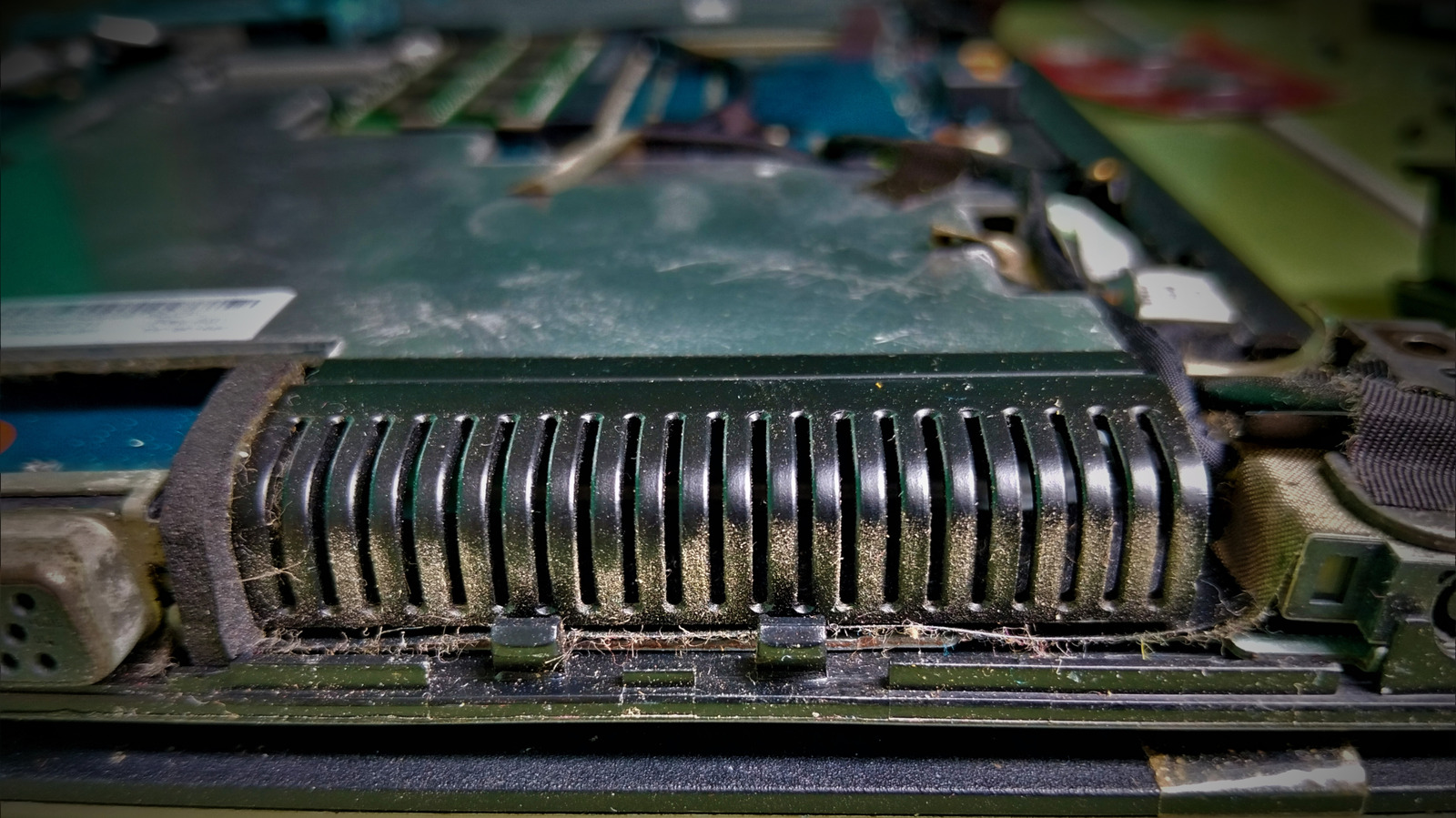
Routine maintenance steps for laptops
Turn off the computer and unplug all cables before starting work. Remove any external battery if it is easily accessible. Use short bursts of compressed air to blow dust out of the vents.
Finding intake and exhaust locations
Inspect the base, sides, and area around the display hinge for openings. Some models hide their exhaust ports near the keyboard or screen edge. Locate these specific areas to ensure proper airflow during cleaning.
When deeper cleaning is needed
Dust packed deep inside may require removing the bottom cover of the machine. This process exposes internal components and carries a risk of damage. Lenovo suggests performing this maintenance every three to six months depending on conditions.
Reported by one outlet
Only one outlet has published this. Nothing here has been checked against a second report, so read it as that outlet's account and follow the link below for the original.
Reported by
1 independent outlet. Headline as published. Links open the original report.