Samsung Galaxy owners can now check warranty status directly in settings
Samsung has added a dedicated warranty menu to the Settings app for newer devices running One UI 9.
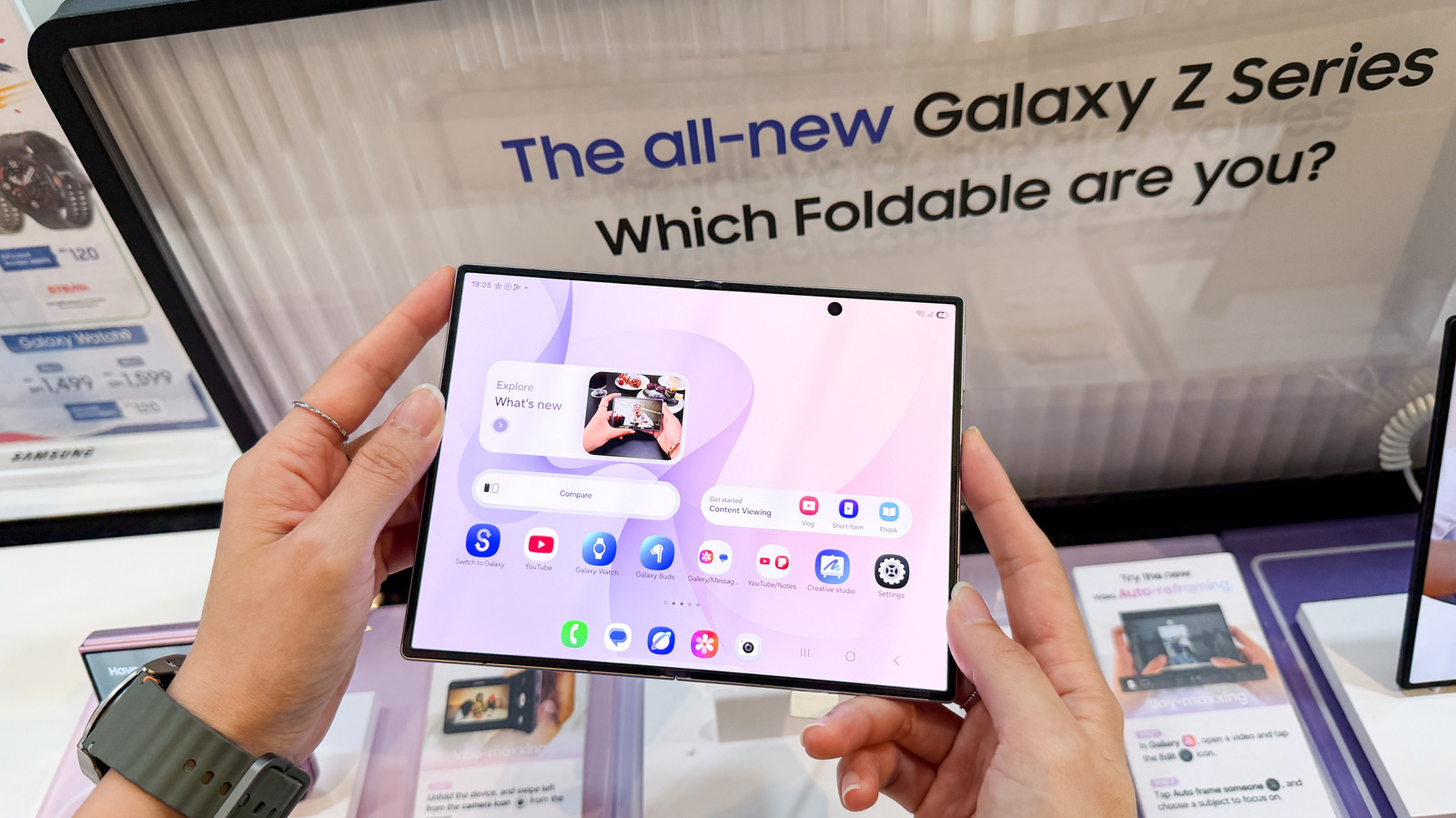
New menu on latest software
Users with One UI 9 can navigate to Settings and select Warranty and care to view details. This specific menu displays coverage type, expiration date, and information for other linked Galaxy devices.
Built-in diagnostics and repair links
The interface includes tools to run hardware checks on the battery, screen, camera, and sensors. If a problem is flagged, the menu provides direct access to repair options or Bixby troubleshooting help.
Support for older devices
Owners not yet running One UI 9 must use the Samsung Members app to register their device. This pre-installed application allows users to access support and view coverage information on older models.
Reported by one outlet
Only one outlet has published this. Nothing here has been checked against a second report, so read it as that outlet's account and follow the link below for the original.
Reported by
1 independent outlet. Headline as published. Links open the original report.