Users should monitor PC background processes to spot resource issues
Tech guides explain that checking running programs helps users identify unusual activity and slow performance on their computers.
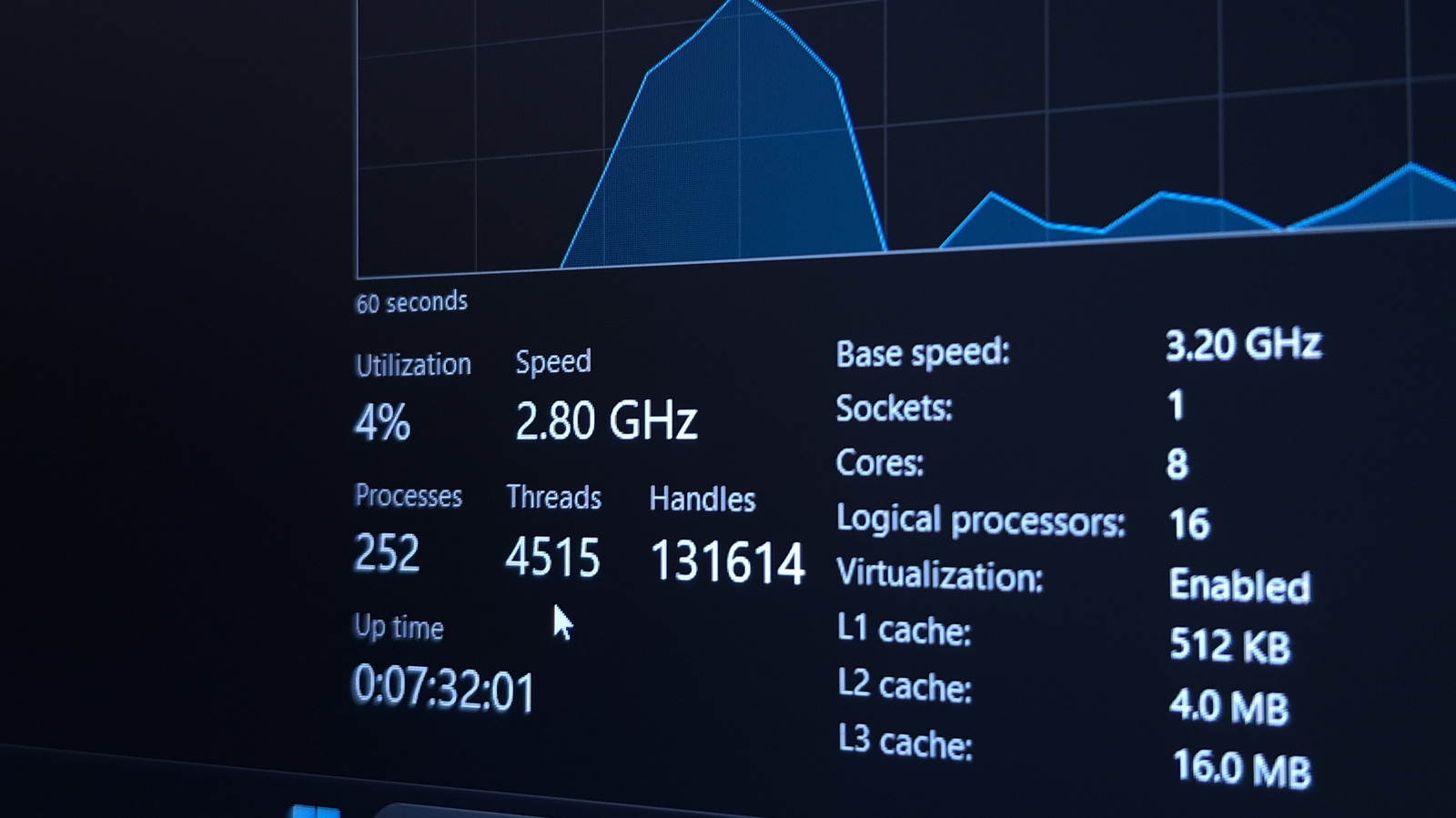
Background processes run constantly
Computers perform tasks even when all application windows are closed. Windows checks for updates while other apps operate quietly in the background. These programs handle mundane jobs like syncing files and installing updates.
Some services use extra resources
Certain applications or services consume more processing power than expected. This usage takes memory that could help apps you actually want to use. Monitoring these processes helps users decide what to close when the PC feels slow.
Task Manager shows activity
Users can open Task Manager to see what is currently running on their PC. This tool displays programs that are not directly interacting with them at that moment. Checking this list allows users to spot processes causing problems or sucking up resources.
Reported by one outlet
Only one outlet has published this. Nothing here has been checked against a second report, so read it as that outlet's account and follow the link below for the original.
Reported by
1 independent outlet. Headline as published. Links open the original report.