Users can swap physical SIM cards without powering down their smartphones
Smartphone owners can replace physical SIM cards while their devices remain powered on, though turning the phone off is an optional safety step.
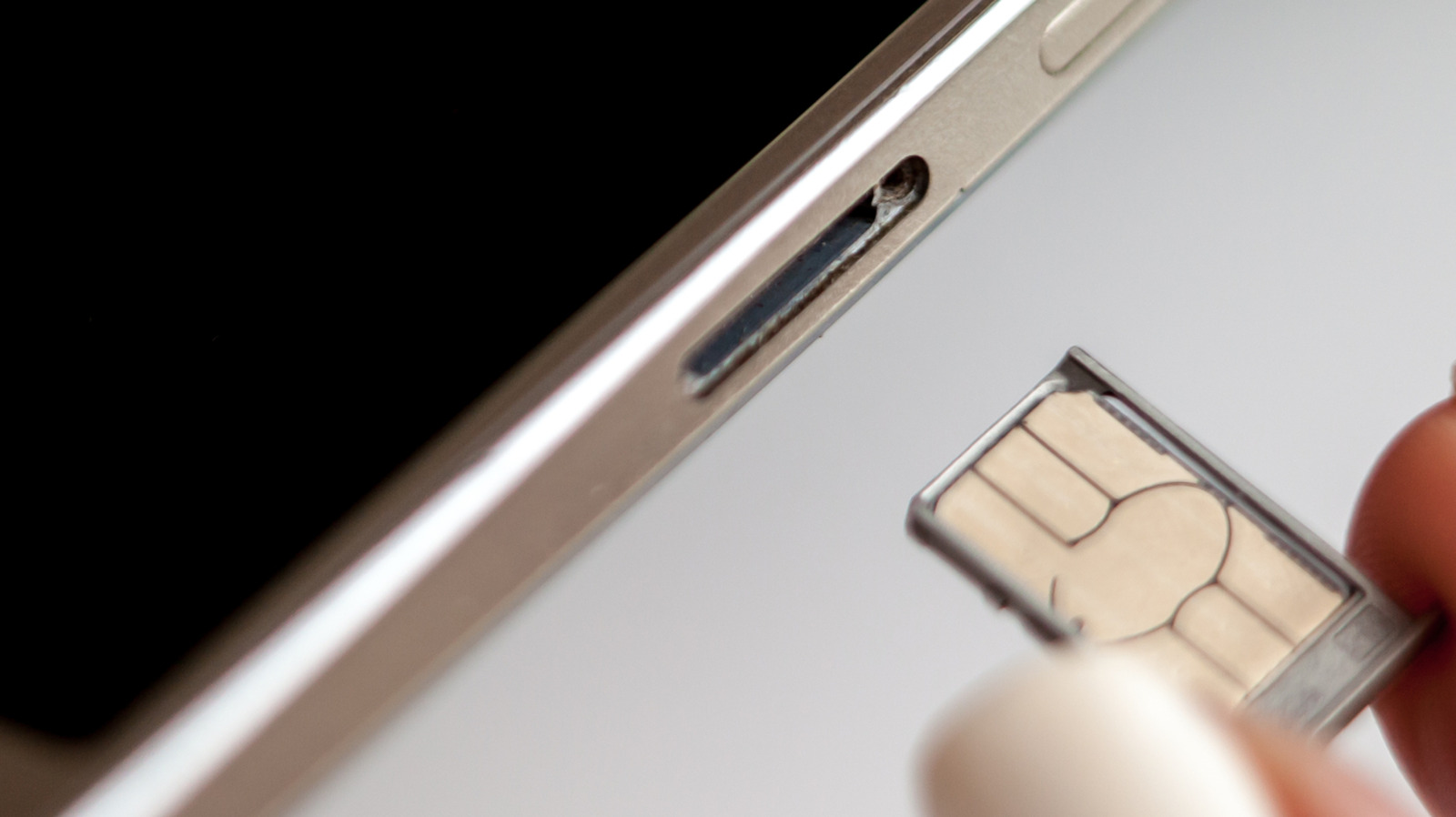
Physical SIM replacement steps
Most modern smartphones allow users to change SIM cards without needing to switch the device off. The process involves ejecting the tray with a tool, swapping the card, and reinserting the tray. Users may need to enter a PIN or restart the phone if requested by the system.
Benefits of powering down
Turning off the phone removes a small chance of errors during the swap. This precaution is quick and helps avoid potential issues that could require more time to fix later.
eSIM versus physical cards
Phones with eSIM capabilities use QR codes or apps instead of manual tray removal. While many devices can store multiple eSIM profiles, only a few allow several to be active at once.
Reported by one outlet
Only one outlet has published this. Nothing here has been checked against a second report, so read it as that outlet's account and follow the link below for the original.
Reported by
1 independent outlet. Headline as published. Links open the original report.