Users can speed up older iPhones with specific storage and setting tweaks
Tech writers suggest five methods to improve the performance of aging Apple devices before owners consider upgrading.
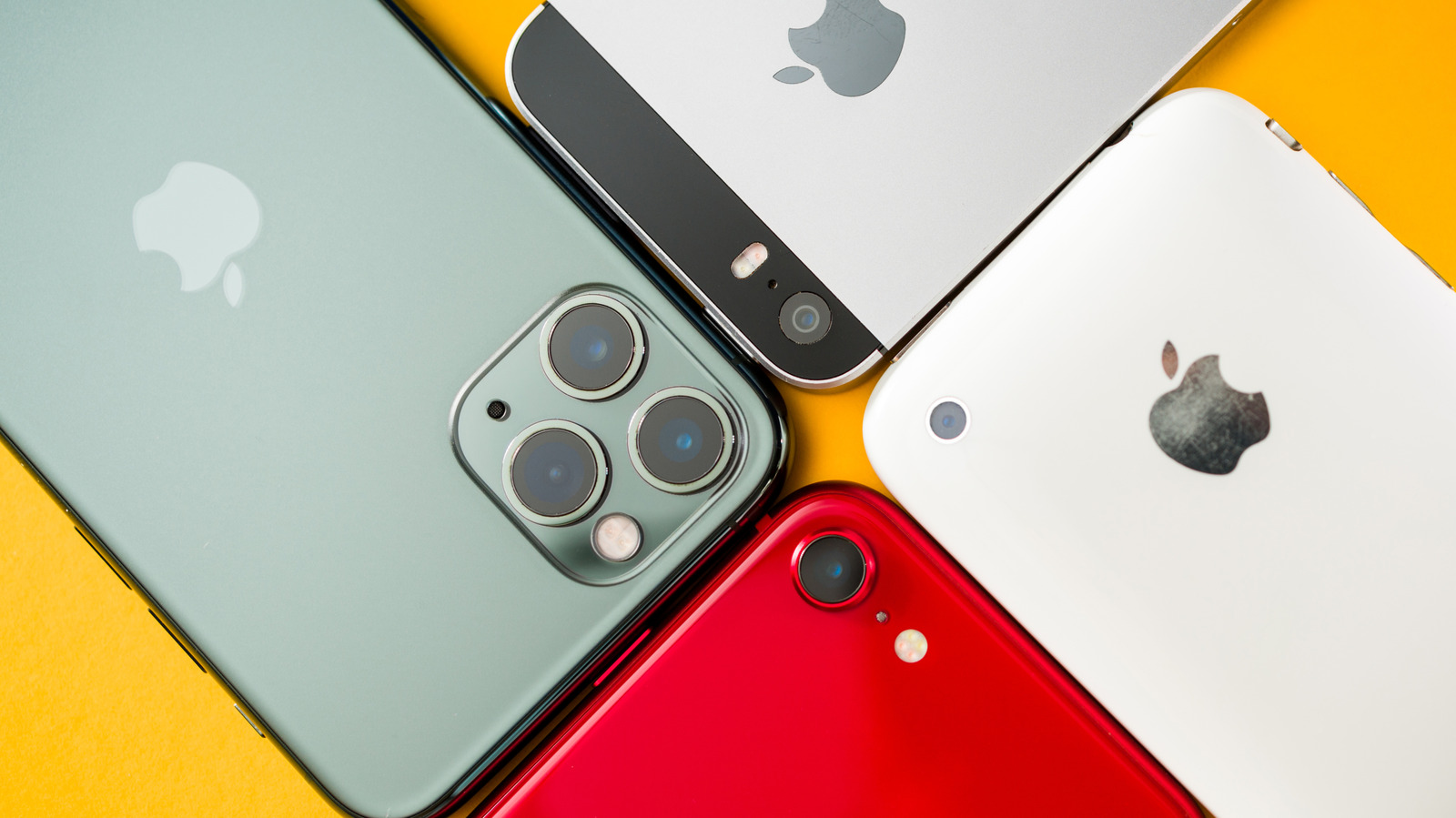
Storage space impacts device speed
Running out of internal memory is a frequent reason for sluggish operation on these phones. The operating system requires available room to manage cache files and process updates efficiently. Experts recommend keeping at least ten percent of total capacity free to maintain smooth functionality.
Specific apps consume large amounts
Photos, videos, and text messages often occupy the most significant portion of available internal space. Media applications such as Spotify or Netflix also utilize substantial storage for downloaded music and video content. Users can view exactly what is taking up room by checking the General settings menu.
Flash memory needs breathing room
The physical flash memory inside the phone requires free space to access and move data effectively. This process, known as wear leveling, functions best when the device has sufficient empty storage blocks. Without this available space, the hardware cannot handle all necessary background processes properly.
Reported by one outlet
Only one outlet has published this. Nothing here has been checked against a second report, so read it as that outlet's account and follow the link below for the original.
Reported by
1 independent outlet. Headline as published. Links open the original report.