OpenAI adds sticker generation feature to ChatGPT mobile app
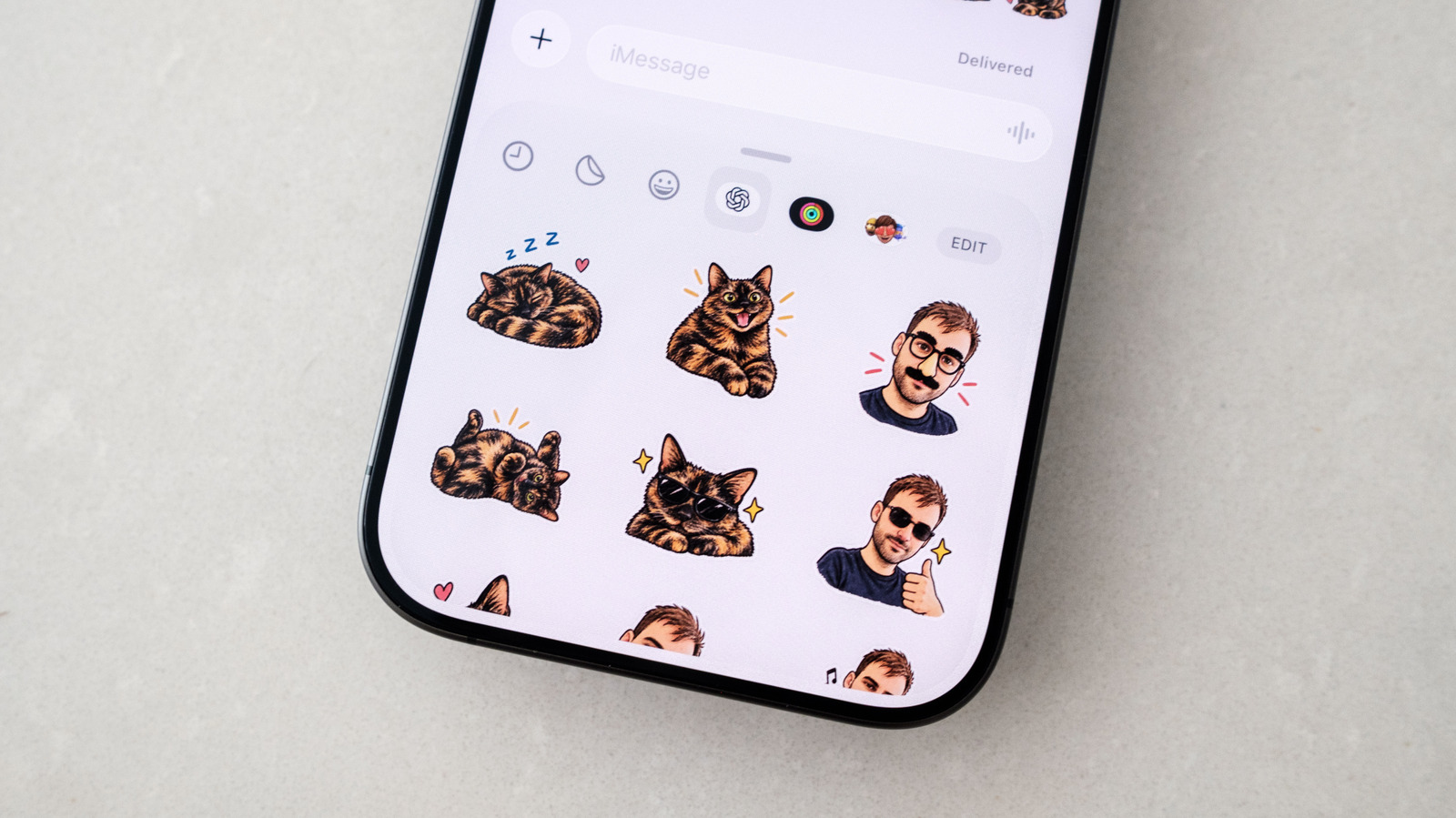
OpenAI has introduced a new workflow in its ChatGPT mobile application that allows users to create stickers for iMessage and WhatsApp.
Accessing the sticker tool
Users must open the ChatGPT app on their iOS or Android device. They then tap the menu icon, select Images, and choose Stickers from the Trending tab.
Generating custom sticker packs
The interface lets users pick a style, upload reference images, and select emojis to guide the AI. ChatGPT subsequently produces a set of nine stickers based on these inputs.
Importing to messaging apps
After reviewing the output, users can add the pack directly to their preferred chat application. Selecting WhatsApp requires naming the sticker pack before it appears in the app.
Reported by one outlet
Only one outlet has published this. Nothing here has been checked against a second report, so read it as that outlet's account and follow the link below for the original.
Reported by
1 independent outlet. Headline as published. Links open the original report.