Old iPods Can Function As USB Flash Drives For Mac And Windows
Users with pre-iOS devices can enable a hidden feature to turn their old iPods into basic USB flash drives for file storage and transfer.
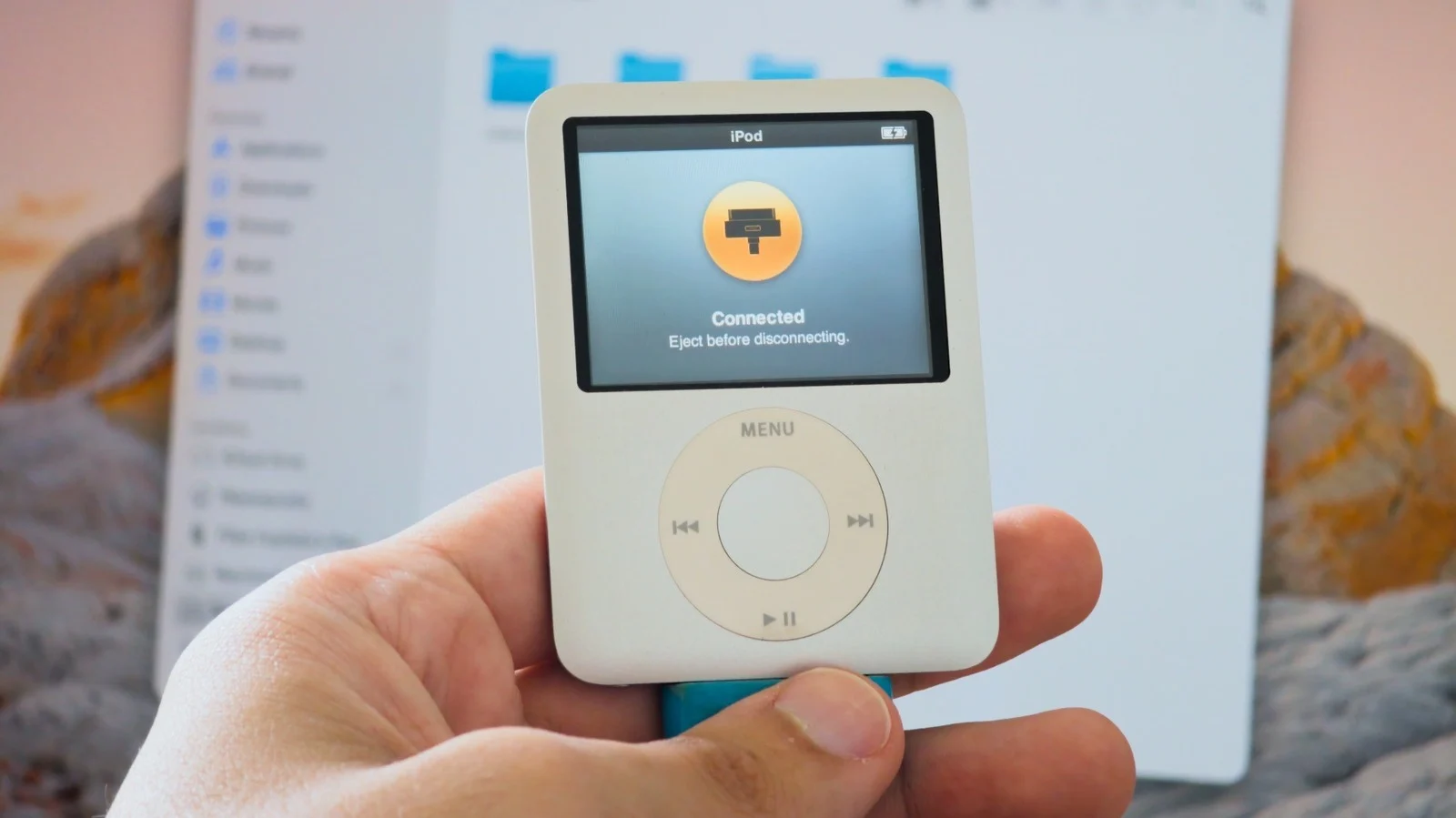
Enabling Disk Use Feature
The device must have Disk Use enabled because this setting is off by default. On a Mac, users connect the player to Finder and click Enable Disk Use in the General tab before applying changes. Windows owners can achieve the same result using either iTunes or the Apple Devices app.
Storage And Speed Limits
Most older models offer less than 20GB of storage capacity compared to modern drives that often provide 32GB. These converted devices operate at USB 2 speeds which may slow down the transfer of large files. Buying a new player specifically for this purpose is not recommended since dedicated flash drives are cheaper.
Compatibility With Computers
The modified hardware works on both Mac and Windows operating systems without requiring additional software beyond standard tools. This method allows people to reuse existing devices instead of discarding them in a drawer. The process turns an MP3 player into a functional external drive for storing files.
Reported by one outlet
Only one outlet has published this. Nothing here has been checked against a second report, so read it as that outlet's account and follow the link below for the original.
Reported by
1 independent outlet. Headline as published. Links open the original report.