Fitbit owners can factory reset devices to clear data
Users of various Fitbit models can perform a factory reset to erase local settings and prepare wearables for new owners or recycling.
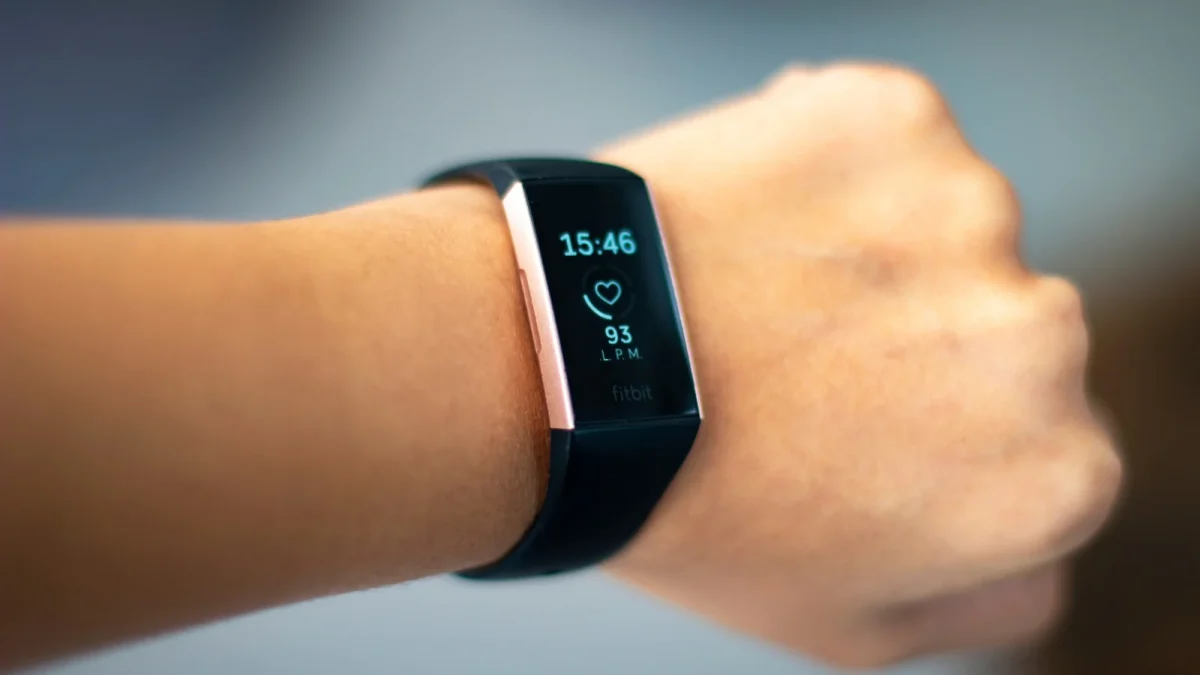
Reset methods vary by model
Devices with screens allow users to navigate Settings to clear user data. Newer Fitbit Edge models require swiping down from the top of the screen to access this option. Older trackers often need connection to a charger and holding a button or using a paperclip. The Fitbit Flex lacks a screen, so owners must connect the sensor to its charger and plug it into a computer via USB. Users find a black reset hole on the device and press it for three seconds with a paperclip until it lights up.
Screenless models use different steps
The new Fitbit Air does not have a traditional factory reset option available to users. Rather than that, the owner positions the gadget on its charging unit and keeps the rear button depressed for ten seconds. This action restarts the device until the status light flashes white. If a new user pairs with the wearable, account data clears automatically without manual intervention first. Owners should manually unpair the Fitbit Air from their account before handing it off to someone else.
Data loss affects local storage only
A factory reset erases all data stored locally on the device including morning alarms and notification settings. Any unsynced activities are removed during this process but synced data remains safe in the Google Health app. Daily steps and workouts stay accessible in the application after resetting a Fitbit Edge. This option serves as a last-ditch effort when a simple restart fails to fix major issues.
Reported by one outlet
Only one outlet has published this. Nothing here has been checked against a second report, so read it as that outlet's account and follow the link below for the original.
Reported by
1 independent outlet. Headline as published. Links open the original report.