Apple users can adjust five iPhone security settings to protect their data
Apple has outlined five specific iPhone security settings that users should change to better protect their personal information from unauthorized access.
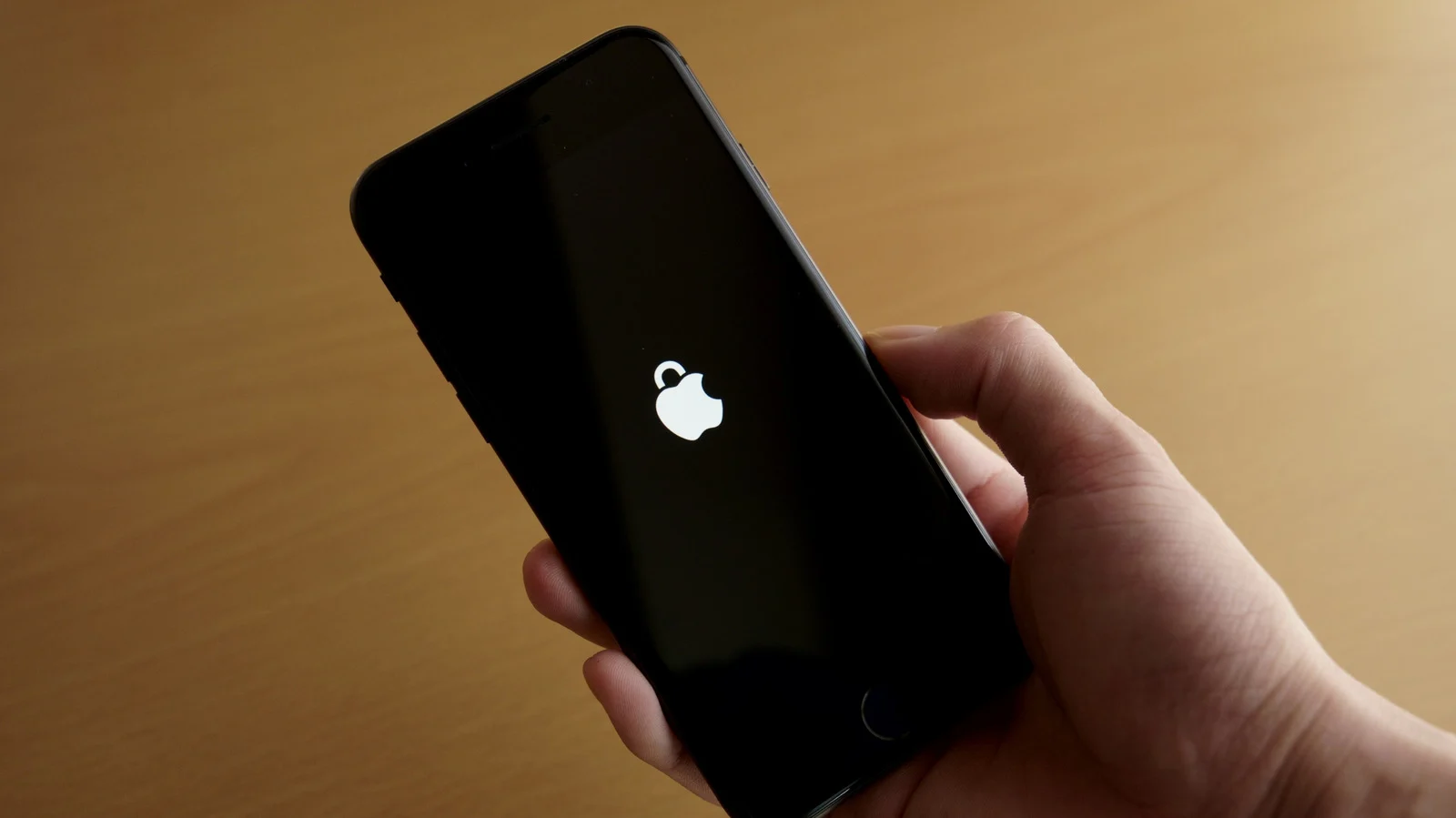
Lock Screen notification controls
The default Lock Screen configuration allows anyone to open Control Center or use Siri without a passcode. Users can limit what appears on the screen by adjusting notification preview settings in the Settings app. This change prevents others from playing pranks or disabling features like Find My on a lost device.
Built-in privacy tools
Features such as Lockdown Mode, Find My, and Safari privacy controls are available to help secure data on the phone. Some of these protections are enabled by default while others require manual configuration by the user. Properly adjusting these settings makes a significant difference if the iPhone is stolen or someone attempts to snoop on it.
Reported by one outlet
Only one outlet has published this. Nothing here has been checked against a second report, so read it as that outlet's account and follow the link below for the original.
Reported by
1 independent outlet. Headline as published. Links open the original report.