Windows MSI mode manages GPU interrupts but may cause issues
Microsoft introduced Message Signaled Interrupts as a Windows feature for hardware devices to communicate with the CPU.
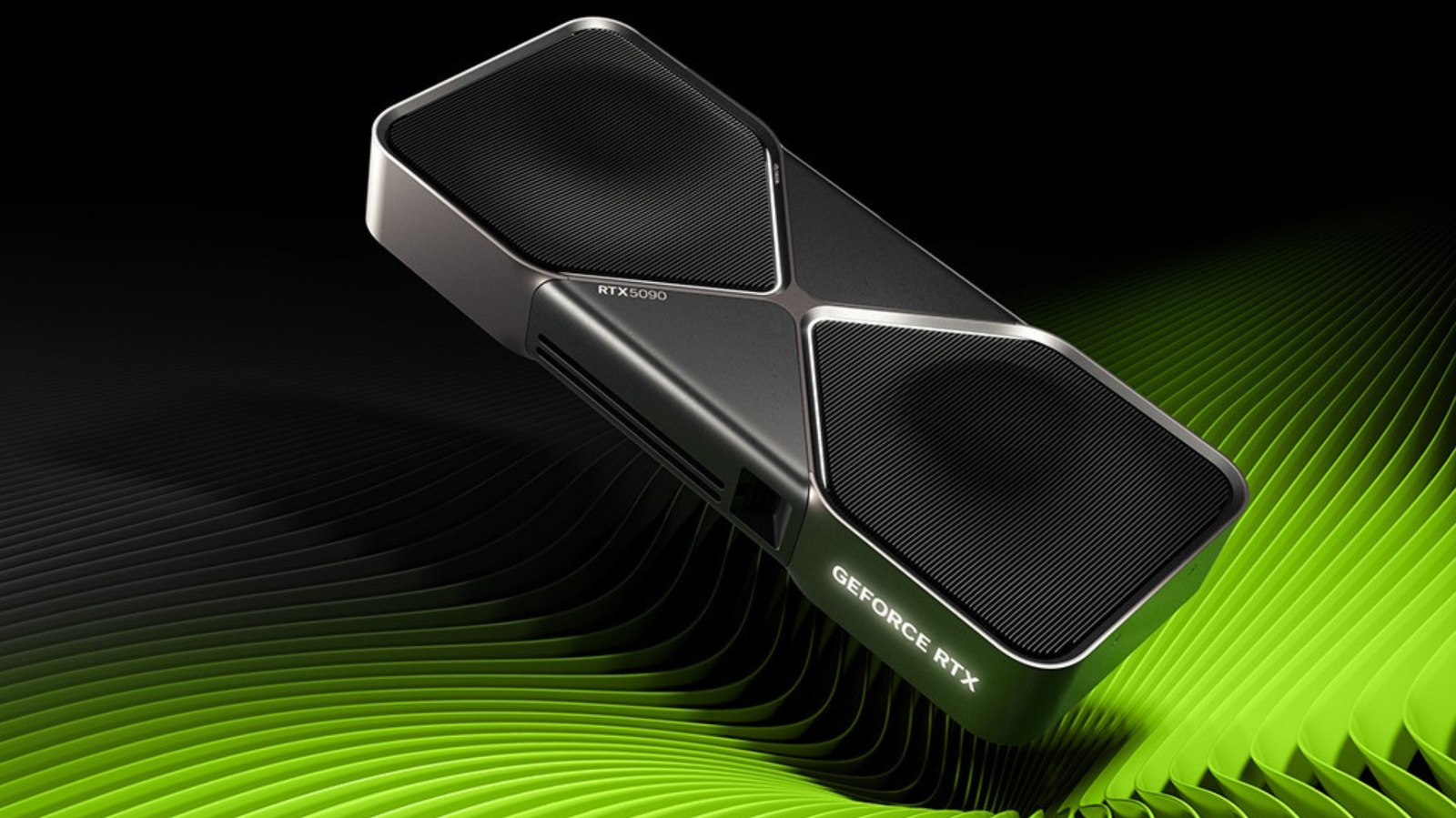
How the interrupt system works
The graphics card sends an interrupt request to the CPU via a dedicated hardware line when it needs attention. Because there are limited physical lines, multiple devices often share one line which can cause latency if the shared line cannot identify the specific device that fired a signal.
Performance impact on older cards
Switching MSI on can genuinely trim latency on older graphics cards that use the line-based interrupt method. However, this setting will not raise average frame rates for users with older hardware.
Risks of forcing the setting
Most modern graphics card drivers enable MSI by default in most cases without user intervention. Forcing the setting on hardware where the manufacturer chose not to use it could render that device unresponsive until the change is undone.
Reported by one outlet
Only one outlet has published this. Nothing here has been checked against a second report, so read it as that outlet's account and follow the link below for the original.
Reported by
1 independent outlet. Headline as published. Links open the original report.