Users clear Xbox Series X cache to fix performance
Owners of the Xbox Series X console can clear system cache to resolve slowdowns and glitches when standard restarts fail.
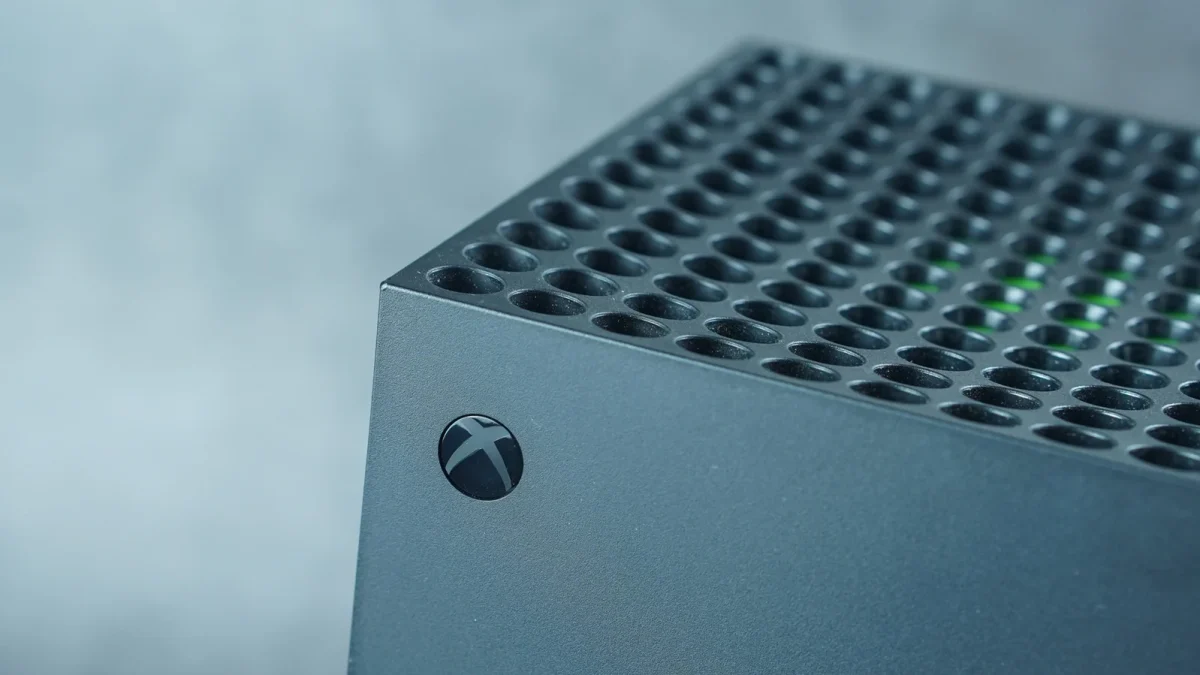
Power cycle removes temporary files
Clearing the cache involves turning off the device and unplugging it for two minutes. Users must then press the power button multiple times before reconnecting the cord to power-cycle the console. This process removes stored files that may have become corrupted over time. The action helps resolve excessive loading errors or connectivity issues found in games.
Support sites confirm the fix
Epic Games notes on its support site that this step helps with load failure errors in Rocket League. As time goes on, temporary files accumulate within the system, causing glitches and performance slowdowns. Trying to clear the cache is a helpful trick when dealing with these particular issues. You can be certain that removing your cache will not impact your games or saved files.
Reset option for persistent issues
If issues persist after wiping the cache, consider a factory reset by choosing the option to remove everything. Prior to a reset, link your console online so that save data uploads to the Xbox network. You can select the option Reset and keep my games and apps to save yourself the hassle of redownloading everything. Performing a factory reset to begin anew may seem tedious because it erases all data from the console.
Reported by one outlet
Only one outlet has published this. Nothing here has been checked against a second report, so read it as that outlet's account and follow the link below for the original.
Reported by
1 independent outlet. Headline as published. Links open the original report.