Users can identify AirPods generation using model numbers found in settings
Tech guides explain how owners of various AirPods models can determine their specific generation by checking the model number in device settings.
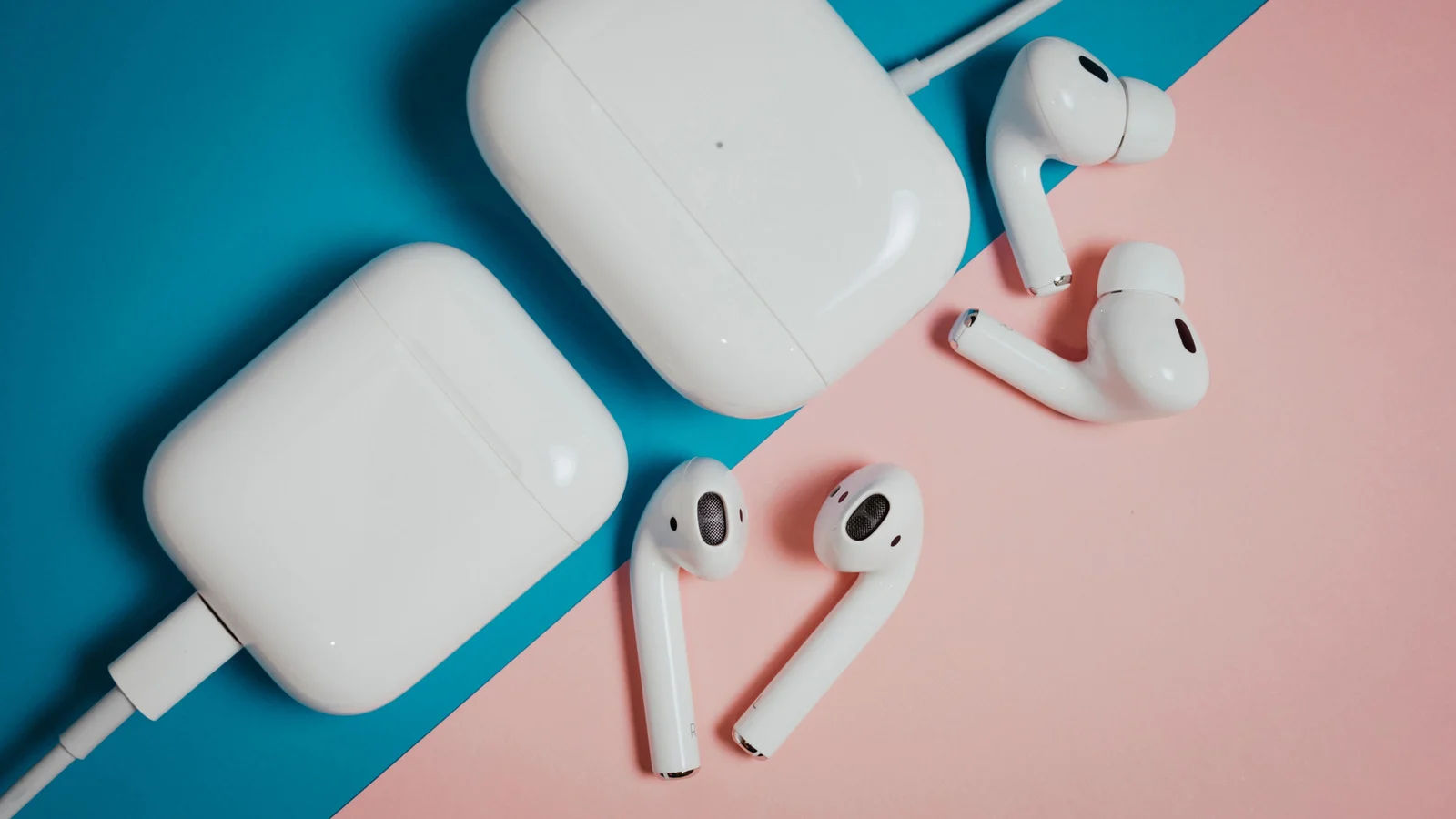
Visual cues are unreliable for identification
Relying on visual inspection alone often fails to distinguish between different AirPods generations. Many models share identical designs and charging cases within their respective product lines. Even the presence of replaceable ear tips does not always confirm a Pro model.
Model numbers provide clear identification
The most accurate method involves locating the model number via the Settings app on an iPhone. This number starts with the letter A regardless of which generation the user owns. Checking the headphones themselves is another option for finding this specific identifier.
Knowing the model aids accessory purchases
Identifying the correct generation helps users buy compatible accessories without confusion. It also allows owners to check warranty status and feature eligibility. This information ensures that new software updates apply to the correct device.
Reported by one outlet
Only one outlet has published this. Nothing here has been checked against a second report, so read it as that outlet's account and follow the link below for the original.
Reported by
1 independent outlet. Headline as published. Links open the original report.