Users can fix unresponsive phone screens by checking for damage and removing accessories
Tech guides explain that owners of smartphones with frozen touchscreens should first inspect the device for physical cracks before attempting software restarts.
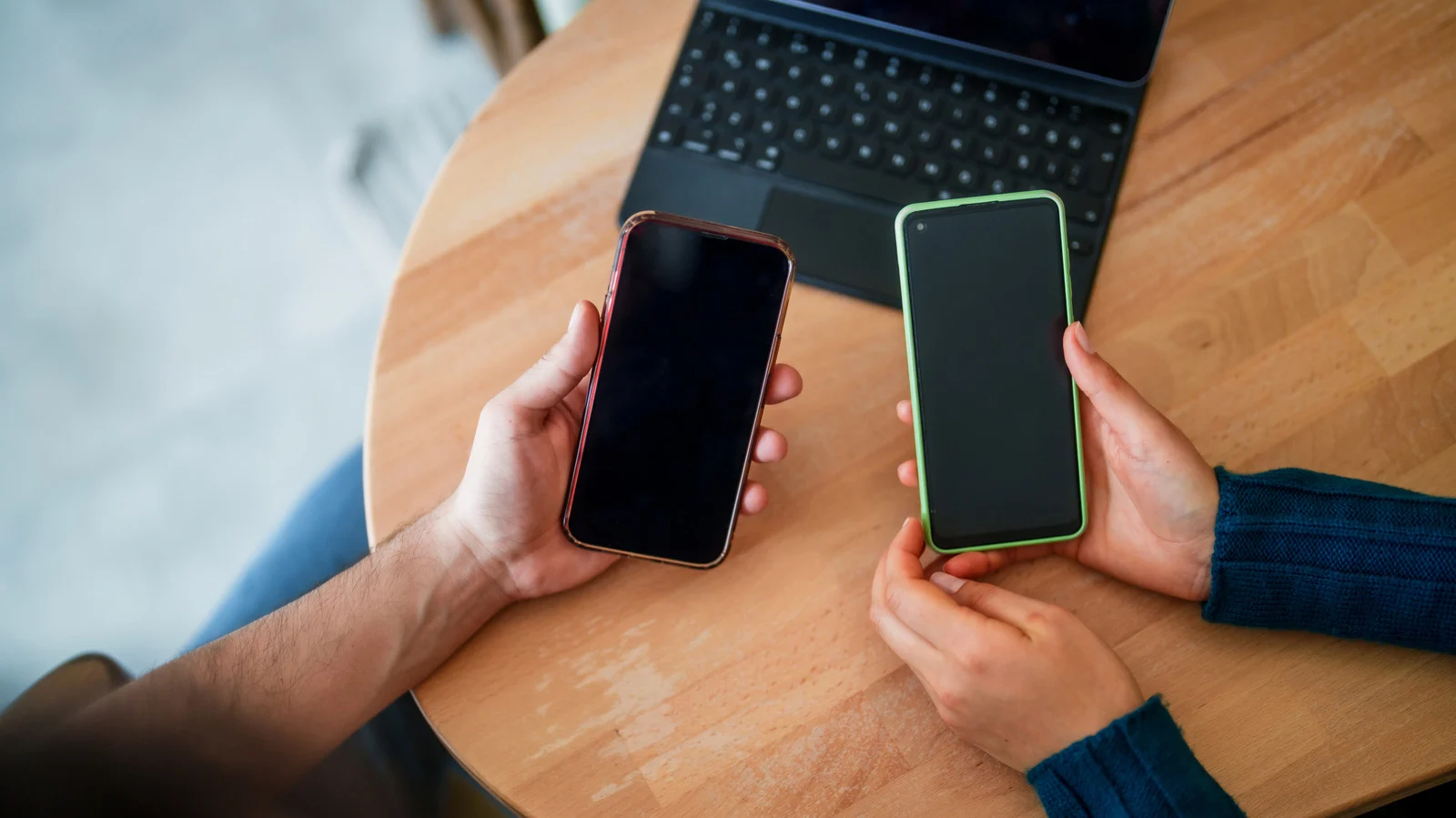
Initial hardware inspection steps
Start by examining the screen for visible cracks or other physical damage. If you see any, the issue is likely a hardware problem rather than a software glitch. Next, remove the screen protector since it can hide damage or cause unresponsiveness.
Removing external obstructions
Take off gloves and remove the phone case to ensure nothing blocks the touch input. Disconnect any USB-C or Lightning accessories and peel off stickers covering the screen area. These items can interfere with the processor receiving touch signals correctly.
Software troubleshooting methods
If an app is freezing, a restart may resolve the jammed operation chain. However, not every unresponsive screen is a software issue and some need professional repair. The specific fix depends on whether the cause was a crash or physical impact.
Reported by one outlet
Only one outlet has published this. Nothing here has been checked against a second report, so read it as that outlet's account and follow the link below for the original.
Reported by
1 independent outlet. Headline as published. Links open the original report.