Roku users should select correct HDMI ports for best performance
Engadget explains that consumers must choose specific HDMI ports and cables to ensure their Roku devices deliver optimal video quality and sound features.
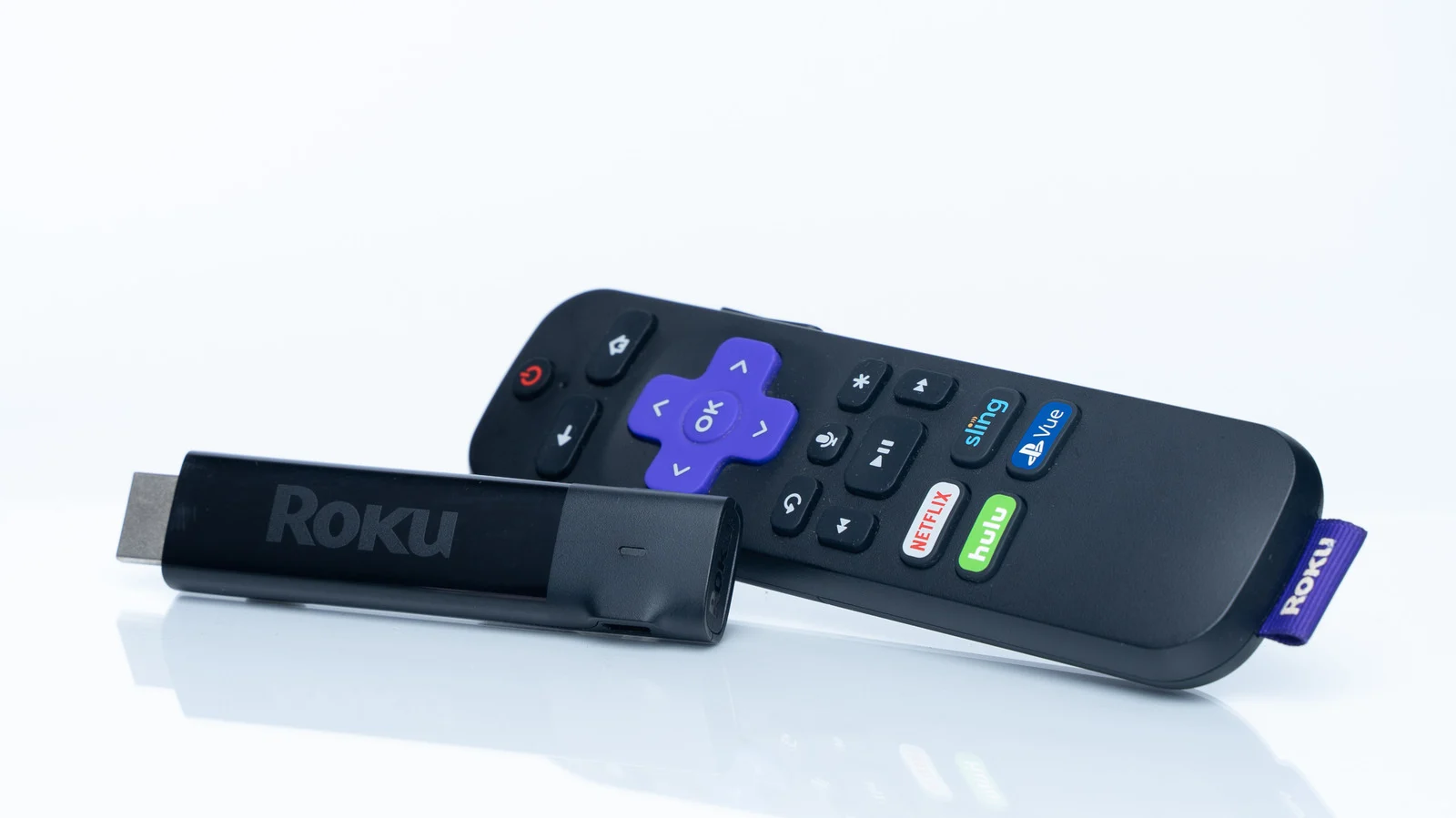
Port selection matters for features
Roku streamers do not typically exploit unique features found in HDMI 2.1 or later standards. Most modern televisions support at least HDMI 2.0, which allows standards like 4K and HDR10+ to function. However, optimal performance requires selecting the right port because some are set to reduced capabilities by default for compatibility. The top-of-the-line Roku Ultra is capped at 60Hz regardless of the port chosen, though it supports Quick Media Switching. Without this feature, users may experience temporary blackouts when frame rates shift between news broadcasts and cinematic standards.
Audio ports require careful choice
Users should avoid plugging their Roku into the TV's ARC or eARC port intended for soundbars and receivers. Audio from each HDMI 2.x input is automatically retrieved by these labeled ports, no matter what markings appear on the device. Choosing a matching cable is also vital because a 2.0 cable will prevent 2.1 features from working properly if supported. Computers and game consoles should always get priority access to specific ports to ensure stable connections for all connected devices.
Reported by one outlet
Only one outlet has published this. Nothing here has been checked against a second report, so read it as that outlet's account and follow the link below for the original.
Reported by
1 independent outlet. Headline as published. Links open the original report.