Kindle Colorsoft Dark Mode keeps cover art white while reversing text
Amazon Kindle Colorsoft users can enable dark mode which inverts text and borders but leaves book covers unchanged.
Menu access and settings
The device shares a menu system with other monochrome Kindles. Users swipe down from the top of the display to reach the quick menu. The dark mode control is available directly within these settings.
Visual changes in library
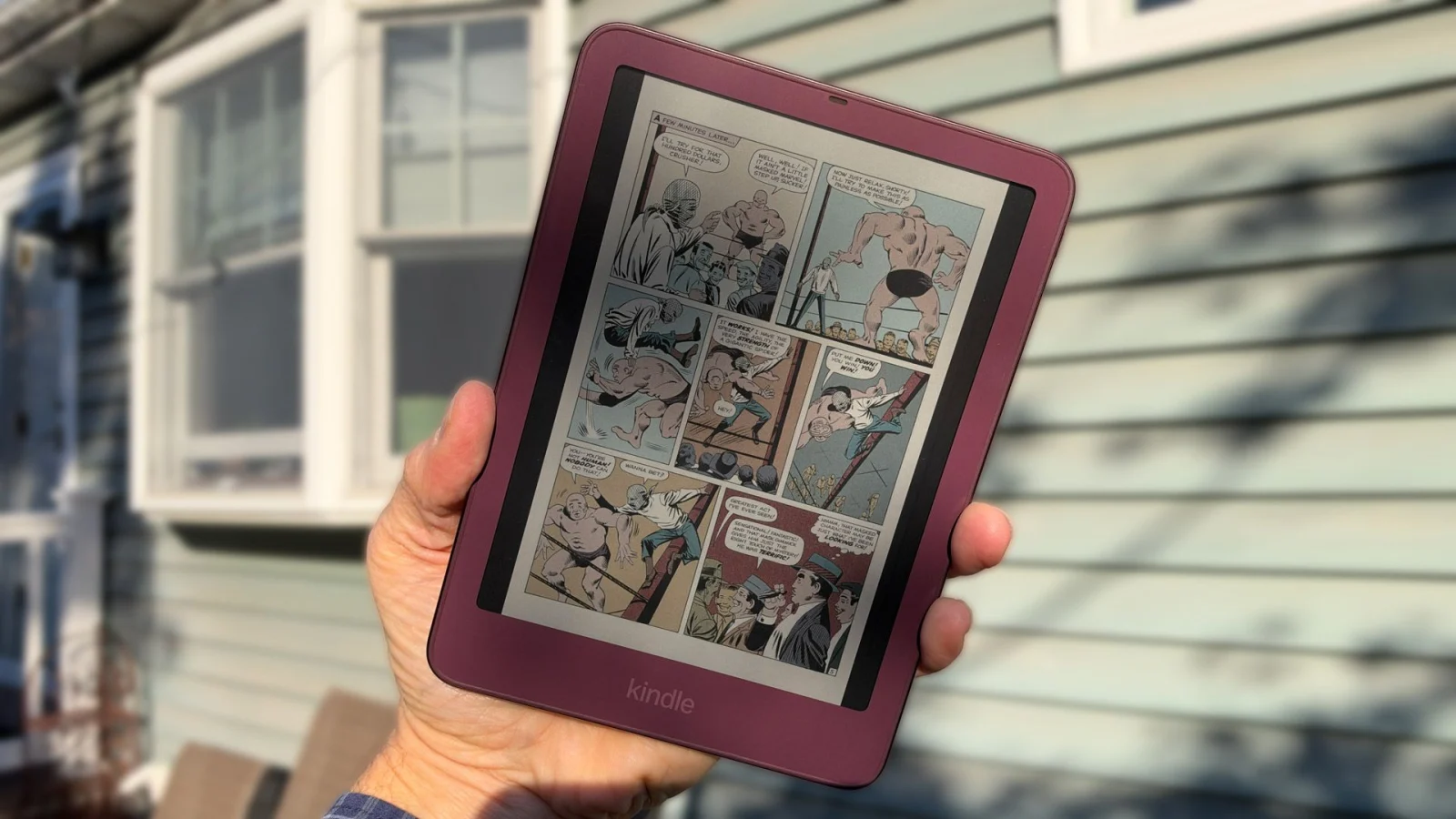
Enabling the feature immediately reverses white borders to black across the entire library. Graphic novel covers and magazine art remain untouched despite the text inversion. This behavior differs from how dark mode functions on phones or browsers.
Reported by one outlet
Only one outlet has published this. Nothing here has been checked against a second report, so read it as that outlet's account and follow the link below for the original.
Reported by
1 independent outlet. Headline as published. Links open the original report.