Drivers can now customize Android Auto displays with new settings
Android users can adjust their car dashboard layouts and shortcuts directly from their phone or vehicle screen.
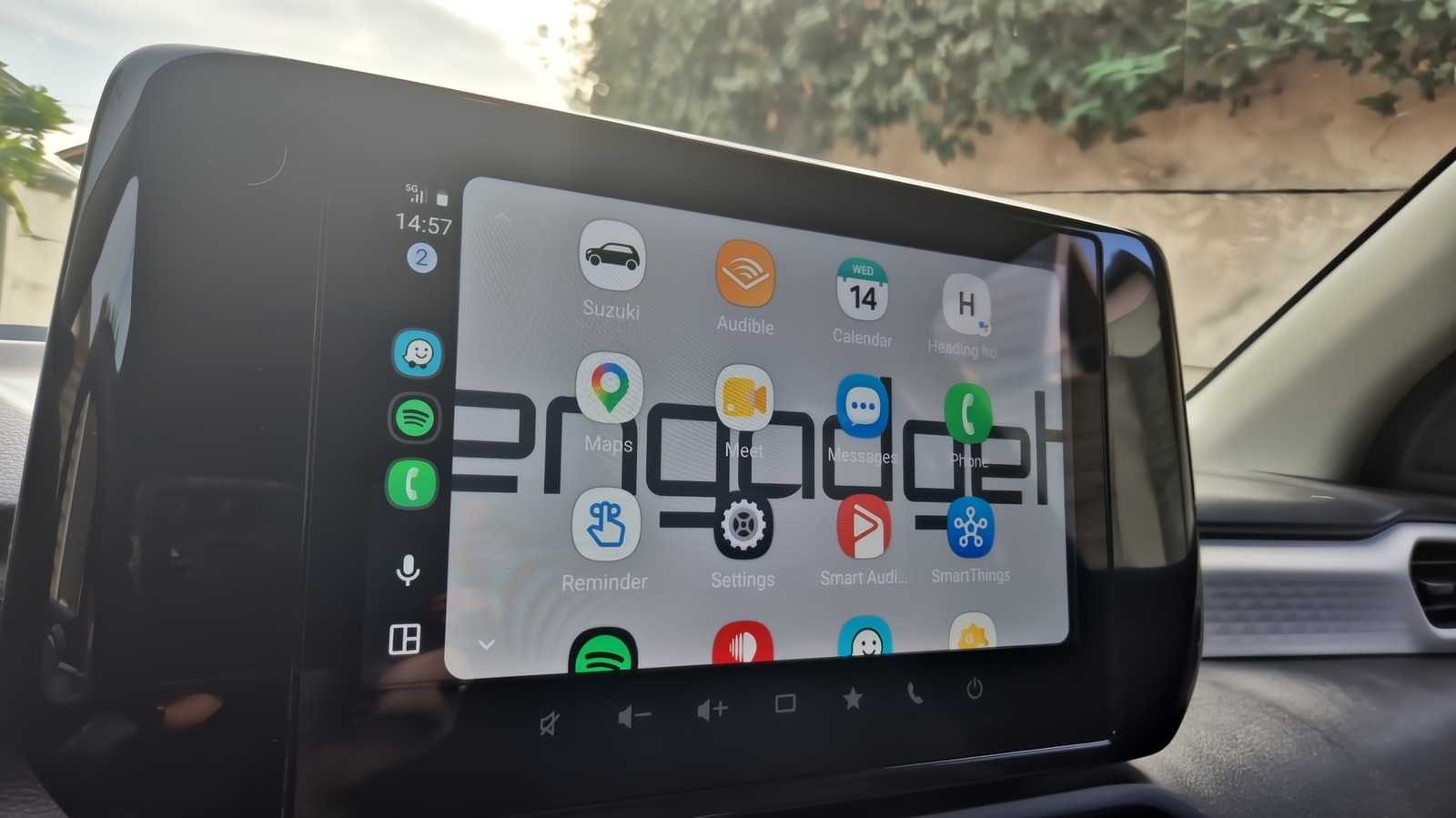
Accessing customization options on the phone
Most adjustments happen through the phone settings menu rather than hidden car screens. Users navigate to Connected devices and select Android Auto to find the Customize launcher option. This interface lets drivers choose which apps to hide or show on the display.
Rearranging icons and creating shortcuts
The system allows owners to rearrange icons to match their specific driving habits. Drivers can also build one-tap shortcuts for frequently used features like navigation or music. These changes take only a minute or two to complete before the new layout appears.
Benefits of a personalized dashboard
Optimizing these settings creates a smoother and more efficient driving experience for daily commuters. Every feature can be adjusted to prioritize communication, navigation, or entertainment as needed. The final result is a dashboard that feels intuitive and personal without requiring hidden menus.
Reported by one outlet
Only one outlet has published this. Nothing here has been checked against a second report, so read it as that outlet's account and follow the link below for the original.
Reported by
1 independent outlet. Headline as published. Links open the original report.