Apple AirPods connection issues stem from battery or settings
Users report Apple AirPods failing to connect to iPhones due to drained batteries, dirty contacts, or software glitches.
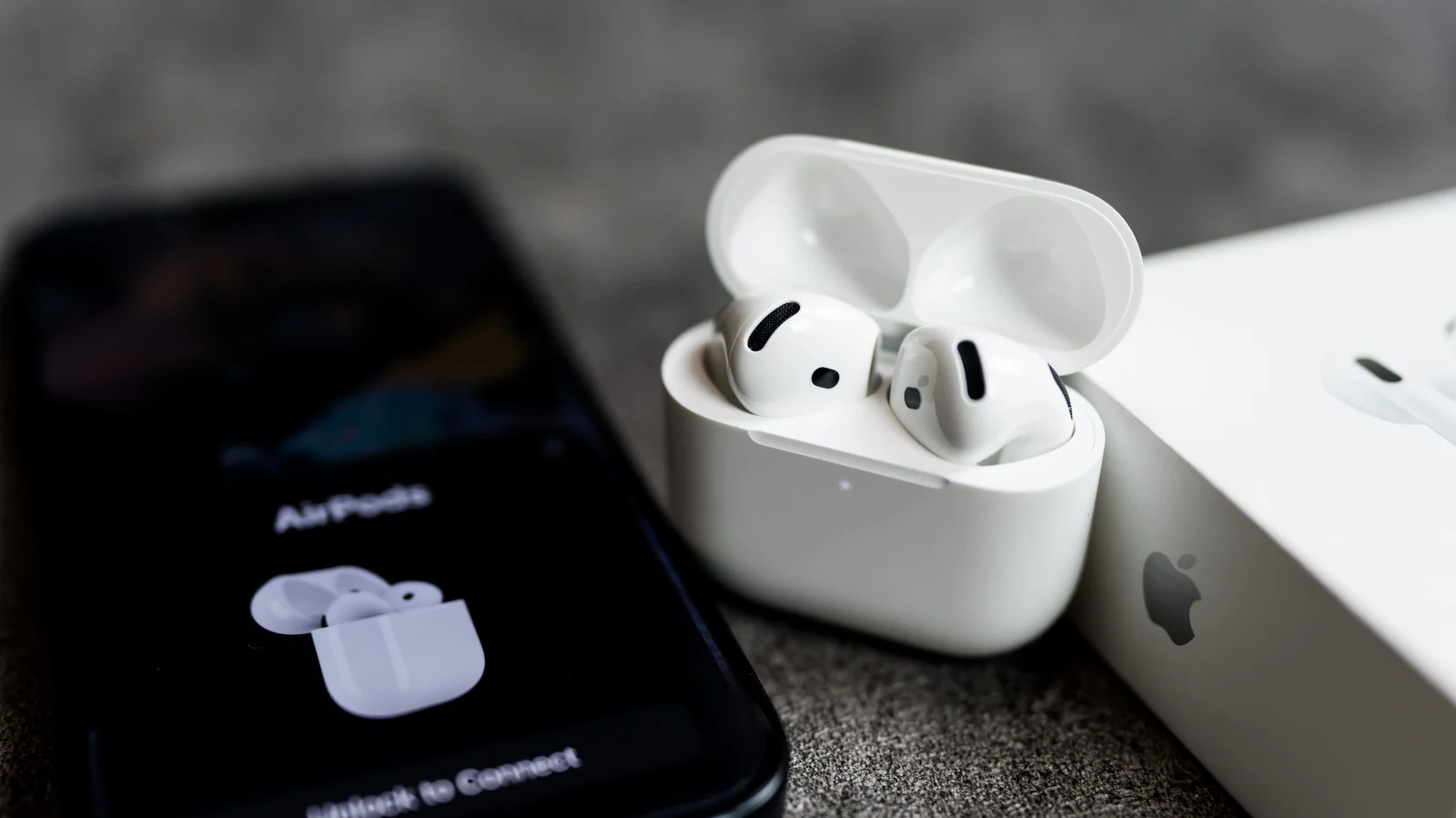
Drained power stops pairing
A completely empty battery in the earbuds or case prevents the device from appearing on an iPhone. Plugging the charging unit into a power source for several minutes may restore the connection. Users should check if any indicator lights appear after charging to confirm the fix.
Dirty contacts block charge
Accumulated dirt or earwax on the charging points can stop the AirPods from receiving power even when inside the case. Cleaning these specific areas might resolve the inability to connect or play sound. This physical obstruction is a common reason for pairing failures reported in guides.
Software and reset steps
Outdated software on the earbuds or the phone can also cause automatic switching errors that block connectivity. If basic charging checks fail, resetting the AirPods to factory settings is the next recommended step. Contacting Apple Support becomes necessary only when these standard troubleshooting methods do not work.
Reported by one outlet
Only one outlet has published this. Nothing here has been checked against a second report, so read it as that outlet's account and follow the link below for the original.
Reported by
1 independent outlet. Headline as published. Links open the original report.