AirPods disconnecting due to automatic switching across multiple Apple devices
Users experiencing AirPods disconnections should check automatic switching settings on their iPhone, iPad, and Mac.
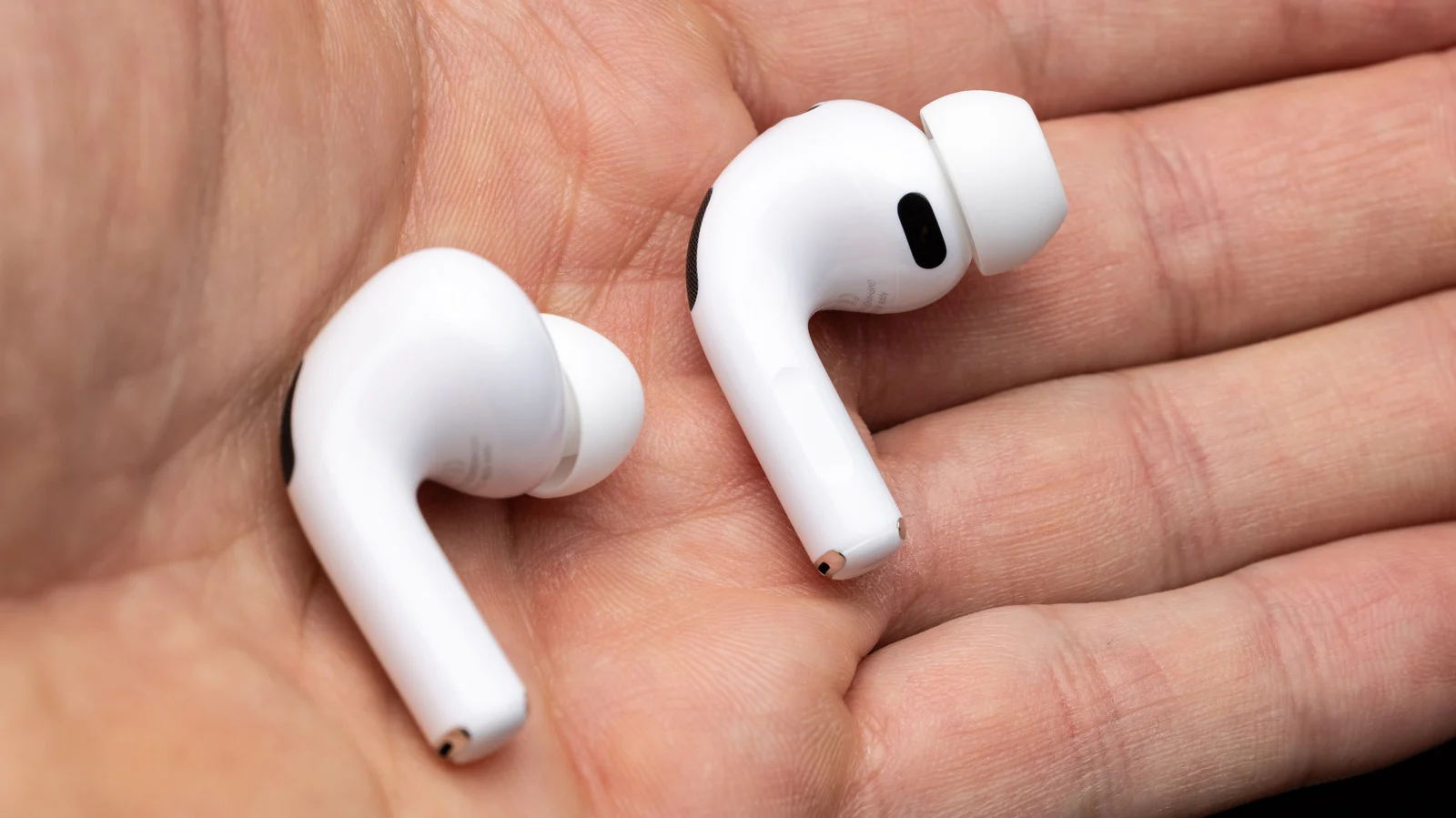
Automatic switching causes interruptions
Disconnections often occur because the AirPods try to bounce between an iPhone, an iPad, and a Mac. This behavior happens when the feature is enabled on all three devices simultaneously. The issue is not necessarily a hardware failure within the earbuds themselves.
Adjust settings on each device
Users must change the Connect to this iPhone setting on every connected Apple product. On an iPhone or iPad, select Audio and Routing to choose When Last Connected to This Device. Mac users can find the same option in System Settings under Bluetooth.
Leave setting for primary device
If a user mostly uses their AirPods with one specific device, they should leave that connection active. Changing the setting on all three devices stops the unwanted bouncing between them. This process of elimination confirms the problem lies in configuration rather than broken hardware.
Reported by one outlet
Only one outlet has published this. Nothing here has been checked against a second report, so read it as that outlet's account and follow the link below for the original.
Reported by
1 independent outlet. Headline as published. Links open the original report.