Xbox owners can set up 5.1 surround sound with modern TVs or accessories
Guide details how to connect an Xbox Series X or S to a home theater system using compatible televisions or alternative hardware.
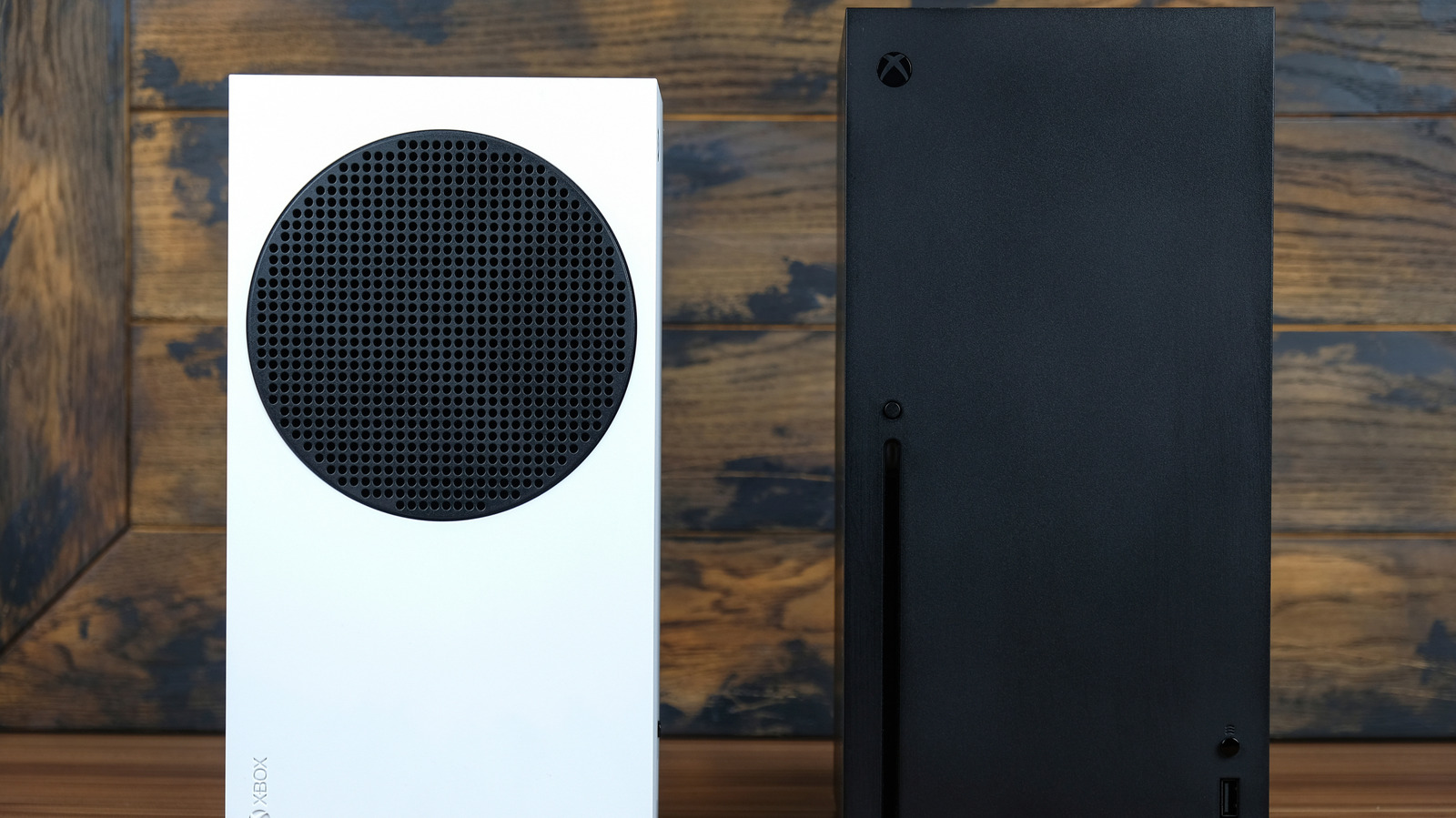
Connecting via HDMI ports on newer screens
Users with modern televisions manufactured in recent years should hook the console into the TV's eARC or ARC-capable HDMI port. This connection method allows the system to pass audio signals directly to a surround sound receiver while maintaining high visual performance. Connecting to a television that supports HDMI 2.1 standards also ensures games can run at 4K resolution and 120 frames per second.
Workarounds for older models without eARC
Owners of older TVs lacking eARC ports are not excluded from using a multichannel audio setup. A cheap accessory can provide full surround sound capabilities to consoles paired with these legacy displays. The guide outlines specific steps to treat the Xbox to this enhanced audio experience regardless of the television age.
Benefits of improved home theater audio
A multichannel sound system offers a significant upgrade over standard stereo speakers for gaming experiences. Audio alerts can inform players about nearby opponents in competitive shooters during matches. Immersion levels increase significantly when playing story-driven titles with a surround sound configuration.
Reported by one outlet
Only one outlet has published this. Nothing here has been checked against a second report, so read it as that outlet's account and follow the link below for the original.
Reported by
1 independent outlet. Headline as published. Links open the original report.