Users should back up data before recycling or donating old laptops
Tech experts advise people to secure their personal information and create backups before selling, donating, or recycling an old laptop.
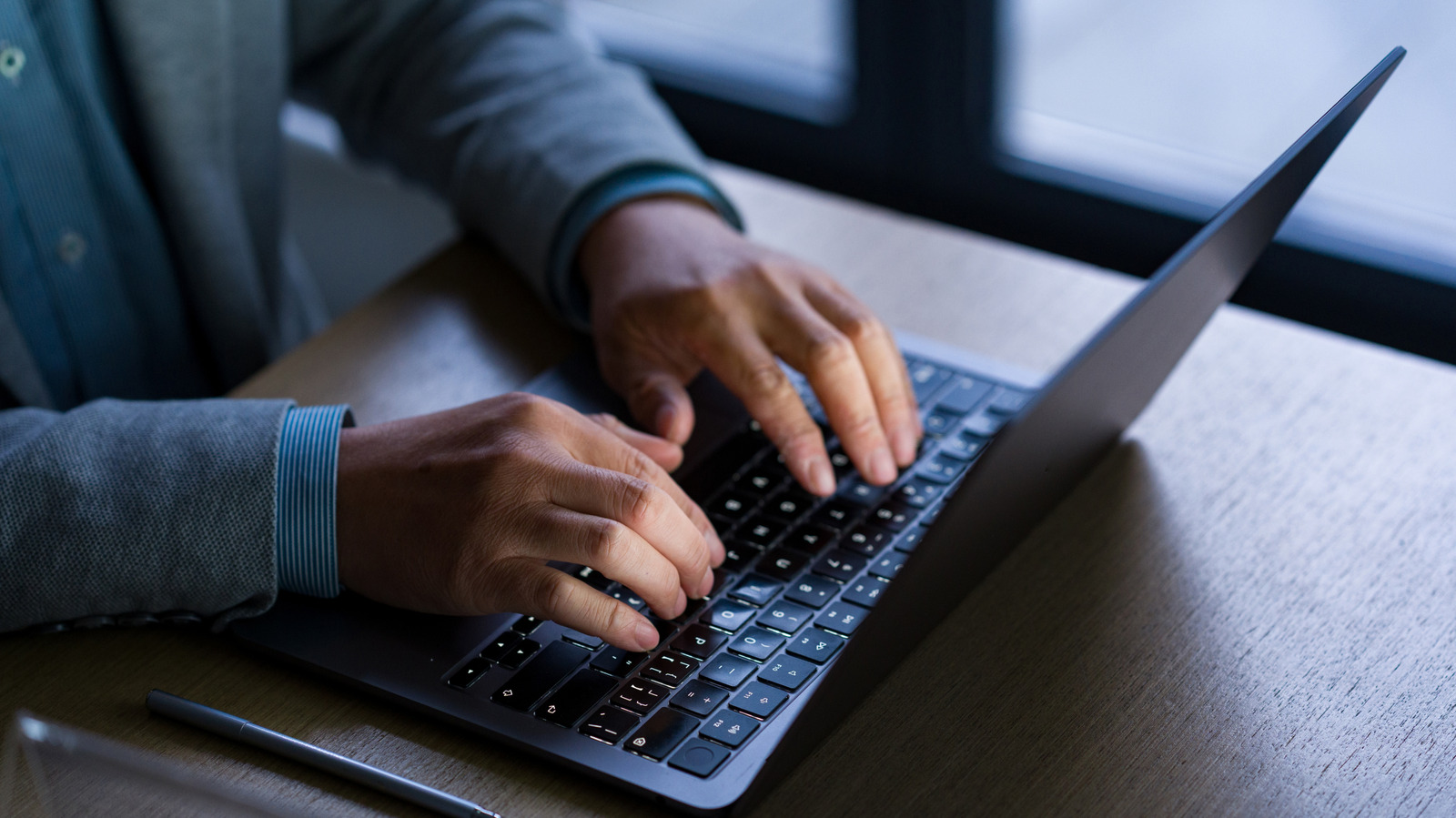
Backup your files first
The most important initial step is backing up all data before transferring files to a new machine. Windows users can access the built-in backup tool by searching for it in the Start menu. Free Microsoft accounts provide only 5GB of cloud storage, so local backups to an external drive are often necessary.
Clear data and reset
Deleting personal files and running a factory reset are crucial steps to protect private information. These actions prepare the device for a new owner if the laptop is being sold or donated. Both MacBook and Windows computers require these specific measures before disposal.
Choose safe disposal options
Throwing an old laptop in the trash is not a recommended option for getting rid of the machine. Owners should consider selling or donating usable devices, or taking them to a facility for safe recycling. Proper handling ensures that valuable components do not end up in landfills.
Reported by one outlet
Only one outlet has published this. Nothing here has been checked against a second report, so read it as that outlet's account and follow the link below for the original.
Reported by
1 independent outlet. Headline as published. Links open the original report.