Users can repurpose old laptop SSDs into external storage devices
People with unused laptops can convert their removable solid state drives into high-speed external storage options to reduce e-waste.
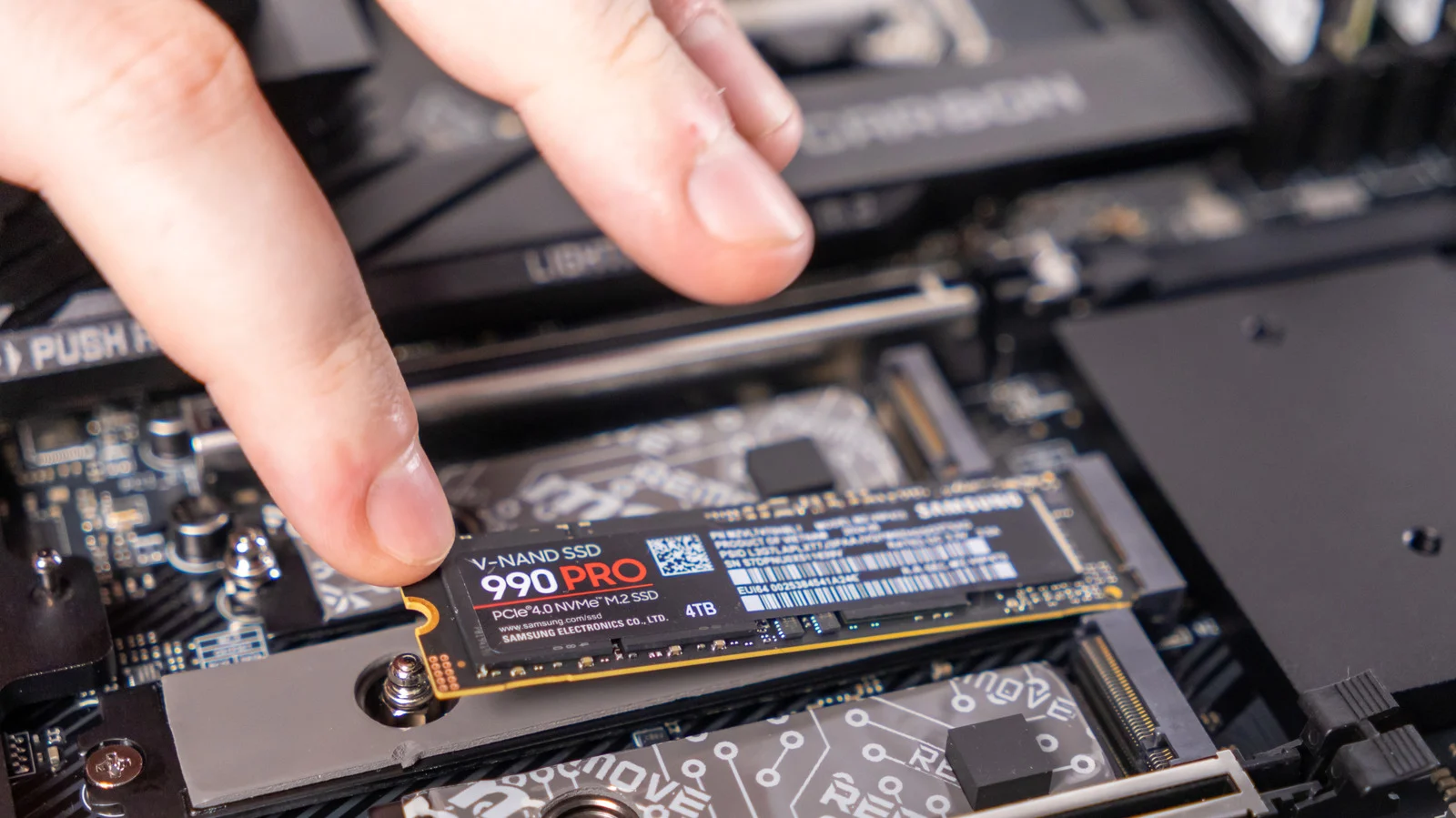
Checking drive compatibility first
Owners must verify that the SSD is not soldered directly onto the logic board before attempting removal. Some ultra-thin laptop makers like Apple solder storage directly onto their boards, making extraction impossible for those specific models. Users should also check if important files remain on the drive before setting it up as external storage.
Selecting the right enclosure
An external shell is required to pair with the removed drive and create a functional unit. Affordable enclosures are available online, but buyers must ensure the case matches the SSD form factor. The two main types of drives are the larger 2.5-inch SATA and the compact M.2 NVMe.
Verifying drive health status
It is worth checking the SSD health before final setup to ensure reliability. macOS users can run checks via the Disk Utility app while Windows users should use the Drive Management tool. This step ensures the device functions correctly after conversion.
Reported by one outlet
Only one outlet has published this. Nothing here has been checked against a second report, so read it as that outlet's account and follow the link below for the original.
Reported by
1 independent outlet. Headline as published. Links open the original report.