Users can disable Google Health AI Coach feature now
Google released an update in August 2026 allowing users to turn off the Gemini-powered AI Coach within the Google Health Premium app settings.
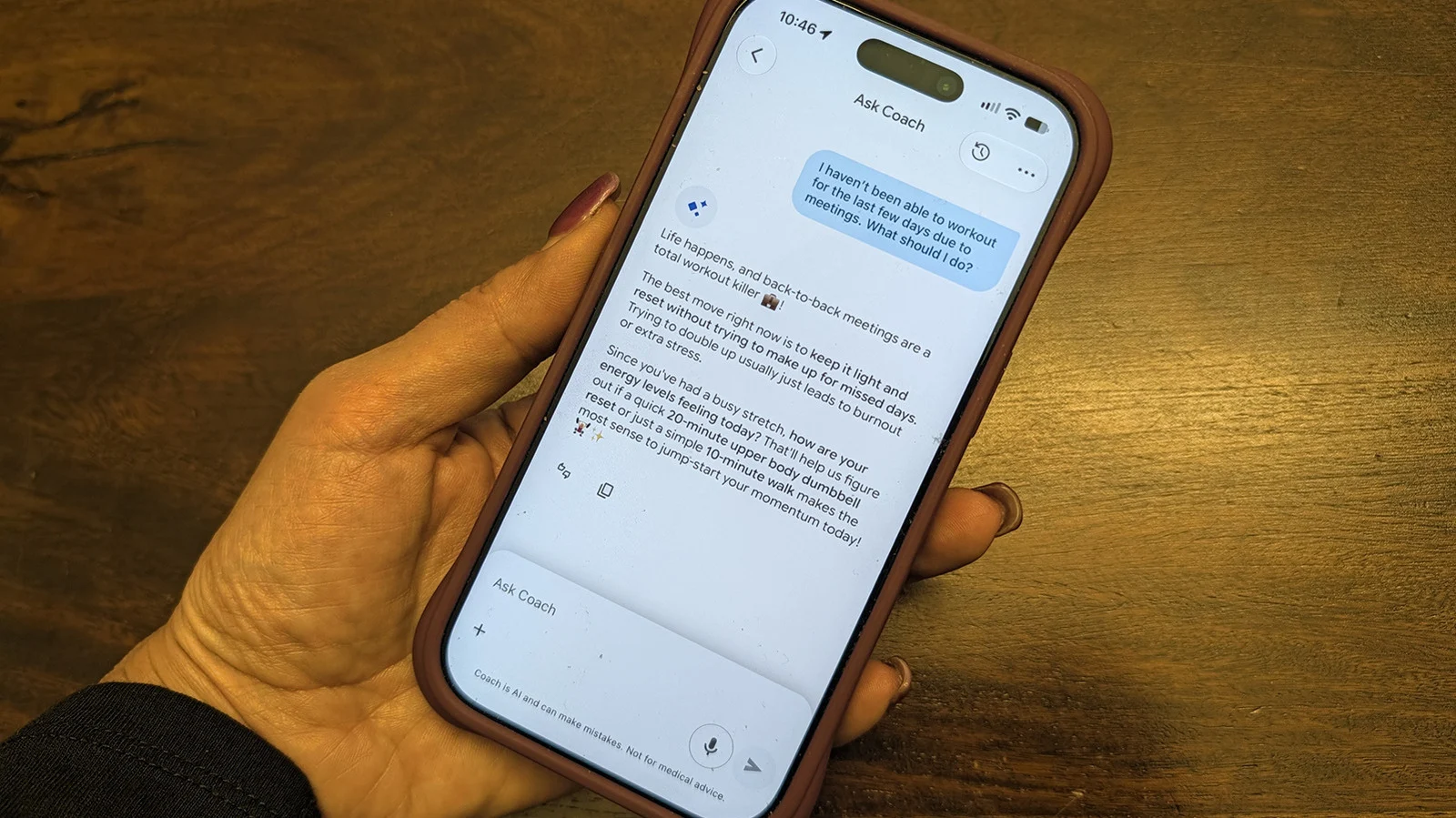
Steps to hide the coach
Users subscribed to Google Health Premium can now toggle the feature off via privacy controls. Tap the profile photo in the top right corner and select Your data in Google Health. Scroll down to Feature privacy controls and choose Manage feature privacy controls. Select Google Health Coach and tap the Turn off button to stop receiving advice.
Alternative ways to manage
An alternative is to switch Today's Coach messages from Standard to No Coach insights. This setting shows only basic updates without personalized guidance or summaries. Users can also turn off push notifications for coaching advice in the settings menu. None of the previous health data will be deleted when this function is disabled.
Restoring the feature later
Users may turn the AI Coach back on at any time they choose to re-enable it. To restore the function, tap the visible Ask Coach button located at the bottom right. Select Unlock Coach to begin the restoration process for personalized health insights again. If users find notifications intrusive, they can disable coaching pings before turning off the feature entirely.
Reported by one outlet
Only one outlet has published this. Nothing here has been checked against a second report, so read it as that outlet's account and follow the link below for the original.
Reported by
1 independent outlet. Headline as published. Links open the original report.