Users can adjust iPhone audio settings in Apple Music and Spotify
Apple users can improve device sound by changing options within streaming apps and system settings.
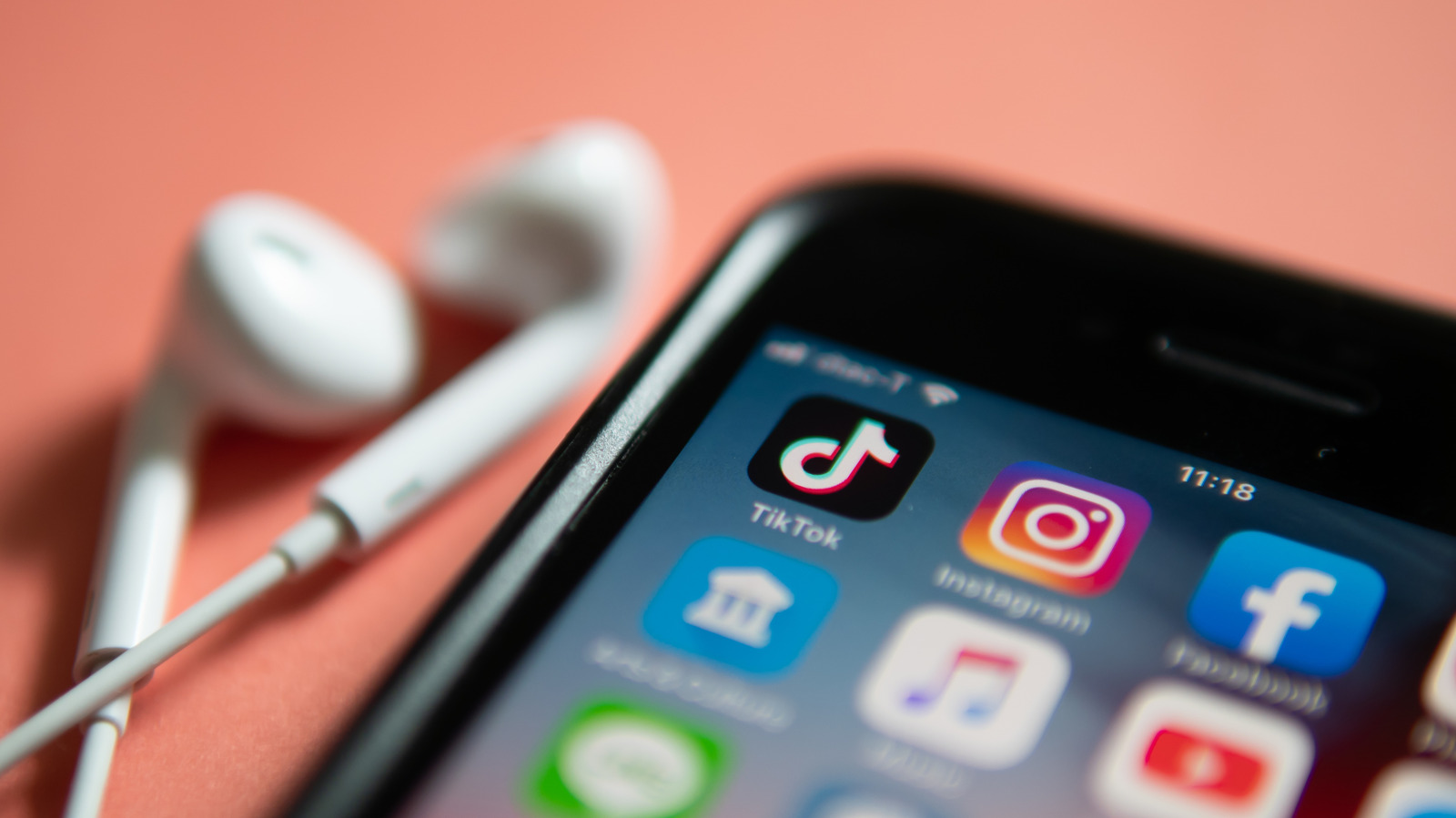
Streaming app quality controls
Major streaming services provide specific settings that adjust the audio delivered to the phone. In Apple Music, users navigate to Settings and select Apps to find the Music menu. Tapping Audio Quality allows selection of options for mobile data, Wi-Fi, and downloads.
System level adjustments available
The Settings app offers a wide range of choices beyond just headphone configurations. Options include noise cancellation features and equalizer settings to refine the listening experience. Hardware limitations remain important because software tweaks cannot fix low-quality speakers.
Reported by one outlet
Only one outlet has published this. Nothing here has been checked against a second report, so read it as that outlet's account and follow the link below for the original.
Reported by
1 independent outlet. Headline as published. Links open the original report.