USB-C flash drives offer convenience but do not guarantee faster speeds than USB-A models
Tech analysts explain that while USB-C ports are common on modern smartphones and tablets, the connector type itself does not determine transfer speed.
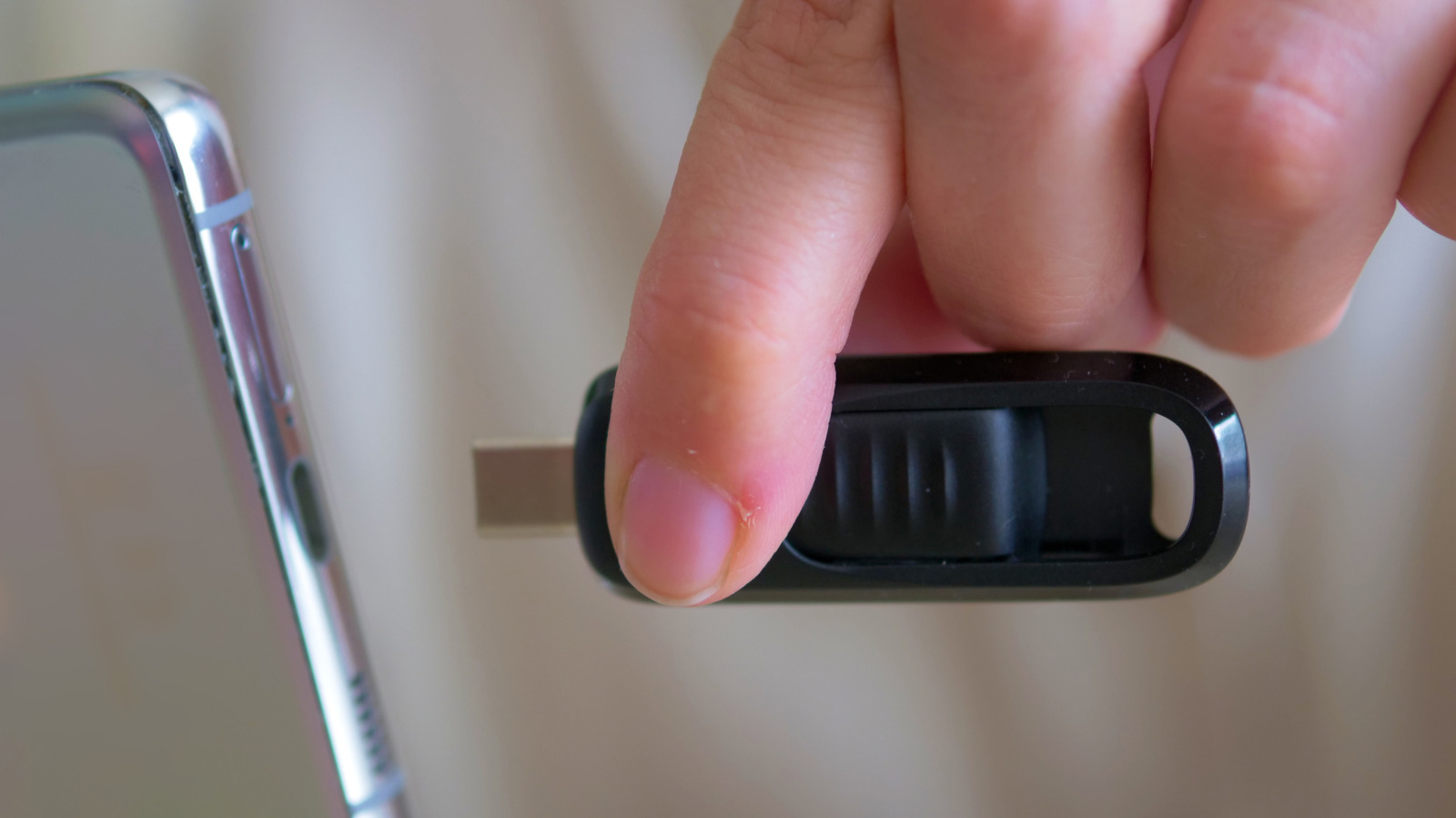
Speed depends on drive specs
The actual read and write speeds of a flash drive are defined by its specific technical specifications rather than the port shape. A USB-C drive utilizing USB 2.0 standards will transfer data slower than a USB-A drive using USB 3.2 technology. Users cannot assume one connection type is inherently faster than the other based on the physical connector alone.
Port limitations affect performance
A high-speed USB-C flash drive connected to a USB 2.0 port will be limited to those slower speeds regardless of the drive's capabilities. Conversely, a slow USB-A drive cannot take advantage of faster speeds available on a modern USB 3.2 Gen 1 port. The hardware at both ends of the connection plays an important role in determining overall transfer rates.
USB-A remains prevalent
The rectangular Type-A port is still found on desktop PCs, laptops, TVs, routers, cars and game consoles. While USB-C is the standard for many smartphones and tablets, the older connector type maintains a practical place in many devices.
Reported by one outlet
Only one outlet has published this. Nothing here has been checked against a second report, so read it as that outlet's account and follow the link below for the original.
Reported by
1 independent outlet. Headline as published. Links open the original report.