Sonos app setup process now works smoothly for new speakers
Sonos users can now set up their smart speakers easily using the updated S2 app on smartphones or tablets.
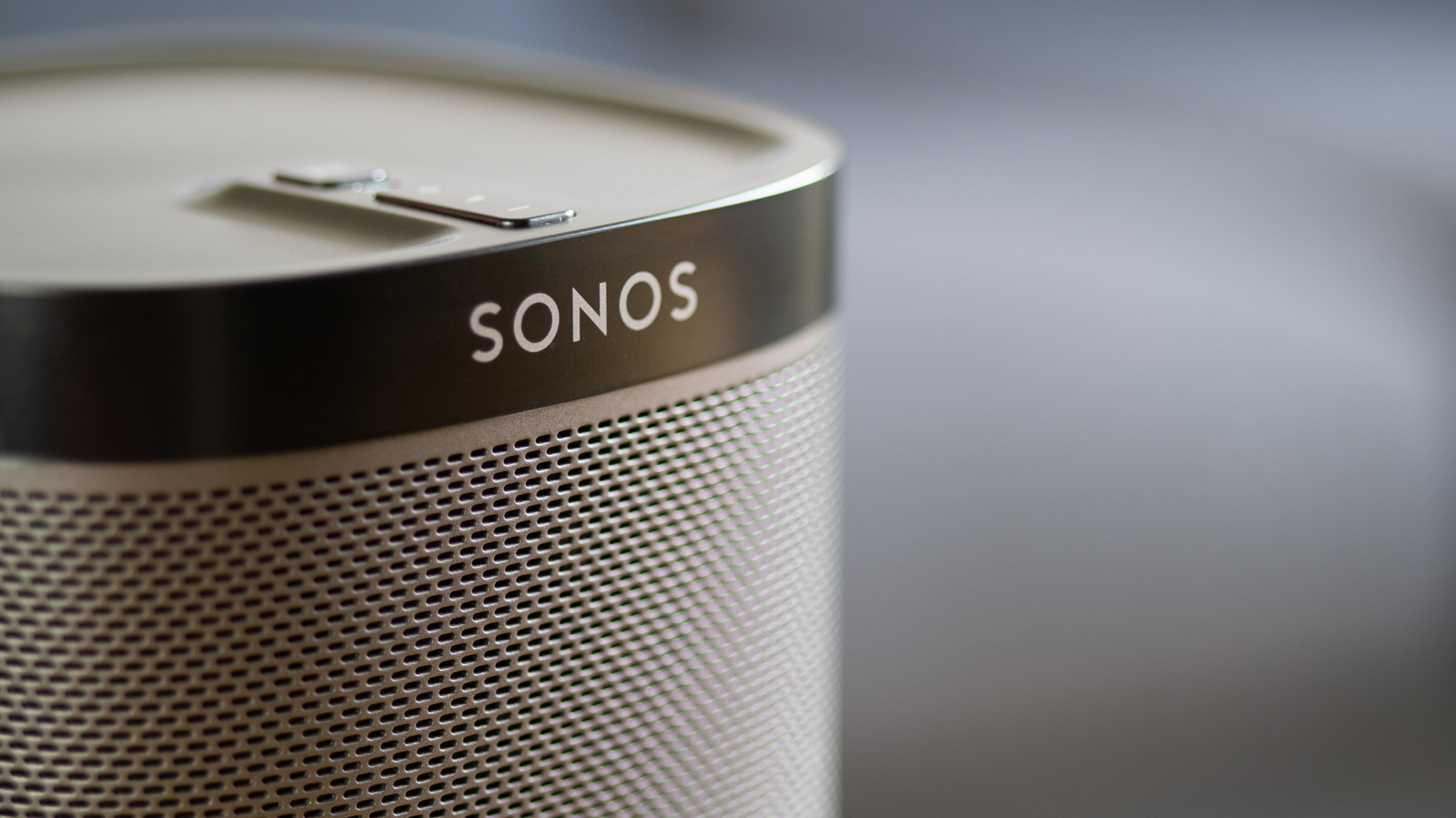
Download and account creation steps
Users must first download the Sonos software from the App Store or Google Play store. After installation, individuals need to create a new account within the application interface. The device and phone must connect to the same network before proceeding further.
Pairing works for all models
The connection method remains consistent whether owners have older units or high-end Dolby Atmos speakers. This uniform approach simplifies the experience for people managing different product lines in their homes. Setup guides cover resolving pairing problems and adjusting sound quality through built-in features.
Software improvements address past issues
Recent updates have fixed the buggy behavior that plagued the software during 2024. The current version places the application in a decent state for daily use. These changes make the initial configuration of a new speaker relatively straightforward.
Reported by one outlet
Only one outlet has published this. Nothing here has been checked against a second report, so read it as that outlet's account and follow the link below for the original.
Reported by
1 independent outlet. Headline as published. Links open the original report.