SD cards block large files due to FAT32 file system limits
Users encounter a 4GB transfer limit on SD cards because the FAT32 file system restricts single file sizes, though reformatting to exFAT resolves this issue.
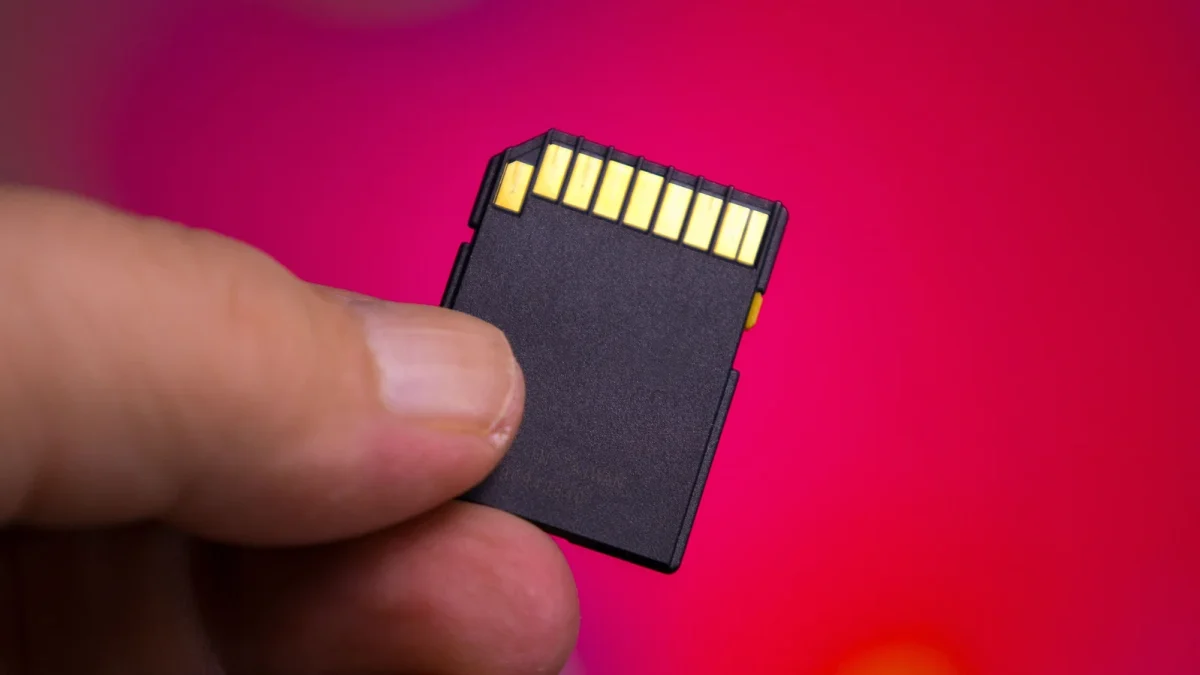
File system limits stop large transfers
SD cards currently support capacities ranging from 128GB up to 1TB. Despite this physical storage space, the device refuses files exceeding 4GB due to its FAT32 format. This file system uses a 32-bit number to record file sizes. This limit reaches a peak of 4,294,967,295 bytes, which is almost 4GB. This restriction prevents storing large 4K videos on the media.
Reformatting switches to exFAT support
Changing the format to exFAT allows the card to accept files larger than 4GB. Users must back up all data before performing this reformatting step because it erases everything. Windows added exFAT support in Vista SP1 while Apple included it with OS X Snow Leopard. Older devices from more than a decade ago may not support the new file system. Formatting on Windows requires selecting exFAT under File System in File Explorer.
Mac users use Disk Utility tools
Mac owners open the Disk Utility app to erase and set the format to exFAT. They must select the SD card device rather than the volume listed underneath it. Windows prevents selecting FAT32 for cards larger than 32GB without using Terminal or third-party software. Switching back to FAT32 requires repeating the formatting steps and changing the file system again.
Reported by one outlet
Only one outlet has published this. Nothing here has been checked against a second report, so read it as that outlet's account and follow the link below for the original.
Reported by
1 independent outlet. Headline as published. Links open the original report.