Samsung users can unlock higher display settings
Reports indicate that Samsung Galaxy S23 Ultra and newer models allow users to manually increase screen resolution and refresh rate through specific One UI menu options.
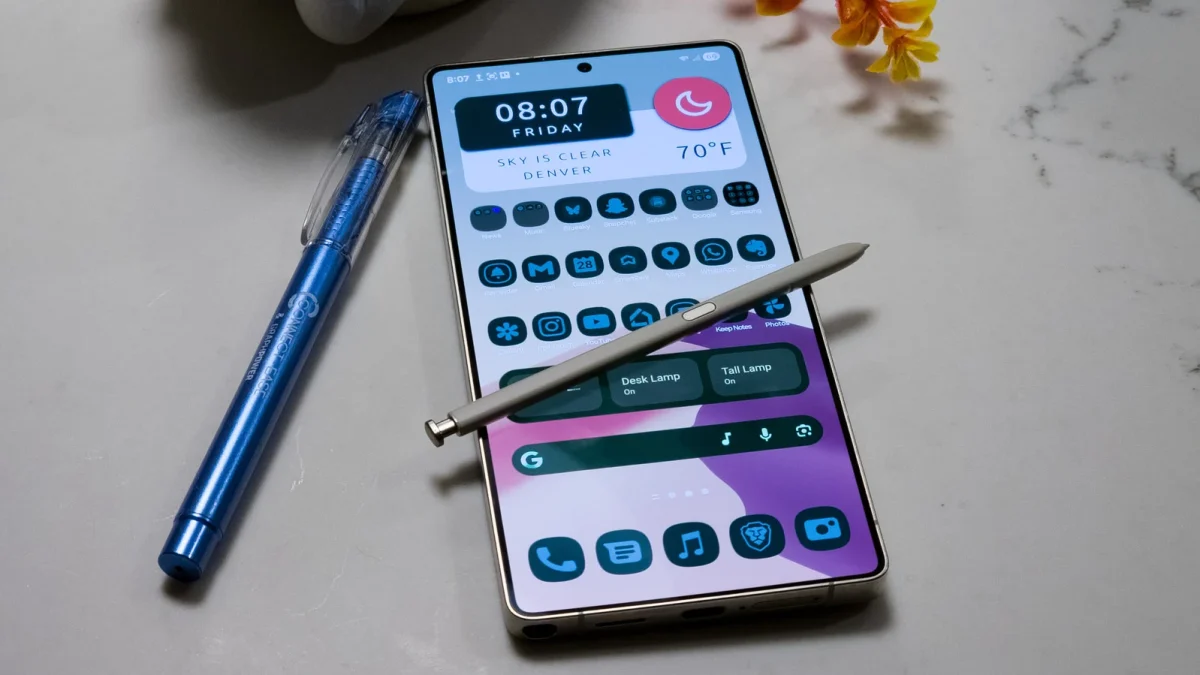
Hidden settings boost performance
Samsung devices often ship with display features artificially capped below their maximum hardware capabilities. Users can access these higher limits by navigating to the Motion smoothness option within the Display menu. Selecting Adaptive mode enables the screen to reach 120Hz refresh rates instead of the default lower setting. Similarly, adjusting Screen resolution allows phones like the Galaxy S26+ to exceed the standard 1080p output found on initial setup.
Brightness and color modes
The Quick Panel offers toggles that keep the screen at extra brightness levels without triggering full sleep mode. This feature helps users maintain visibility in bright environments while avoiding automatic power-down sequences. Default Vivid mode increases saturation and sharpness but reduces color accuracy compared to Natural settings. Newer Galaxy devices include a white balance slider to shift images toward warmer or cooler tones.
Trade-offs affect battery life
Activating higher resolution and 120Hz refresh rates consumes extra battery power compared to factory defaults. Engadget tested these configurations on Galaxy S23 Ultra, S25 Ultra, and S26 Ultra running One UI 9 software. Some features like Super HDR remain unavailable on older models such as the S23 Ultra due to hardware limitations. Tablet users on Galaxy Tab S9 and S10 Ultra can also apply similar adjustments using previous One UI versions.
Reported by one outlet
Only one outlet has published this. Nothing here has been checked against a second report, so read it as that outlet's account and follow the link below for the original.
Reported by
1 independent outlet. Headline as published. Links open the original report.