Samsung lets users restore removed all apps button in One UI
Samsung has enabled a settings option for its Galaxy phones to bring back the all apps button removed from recent One UI updates.
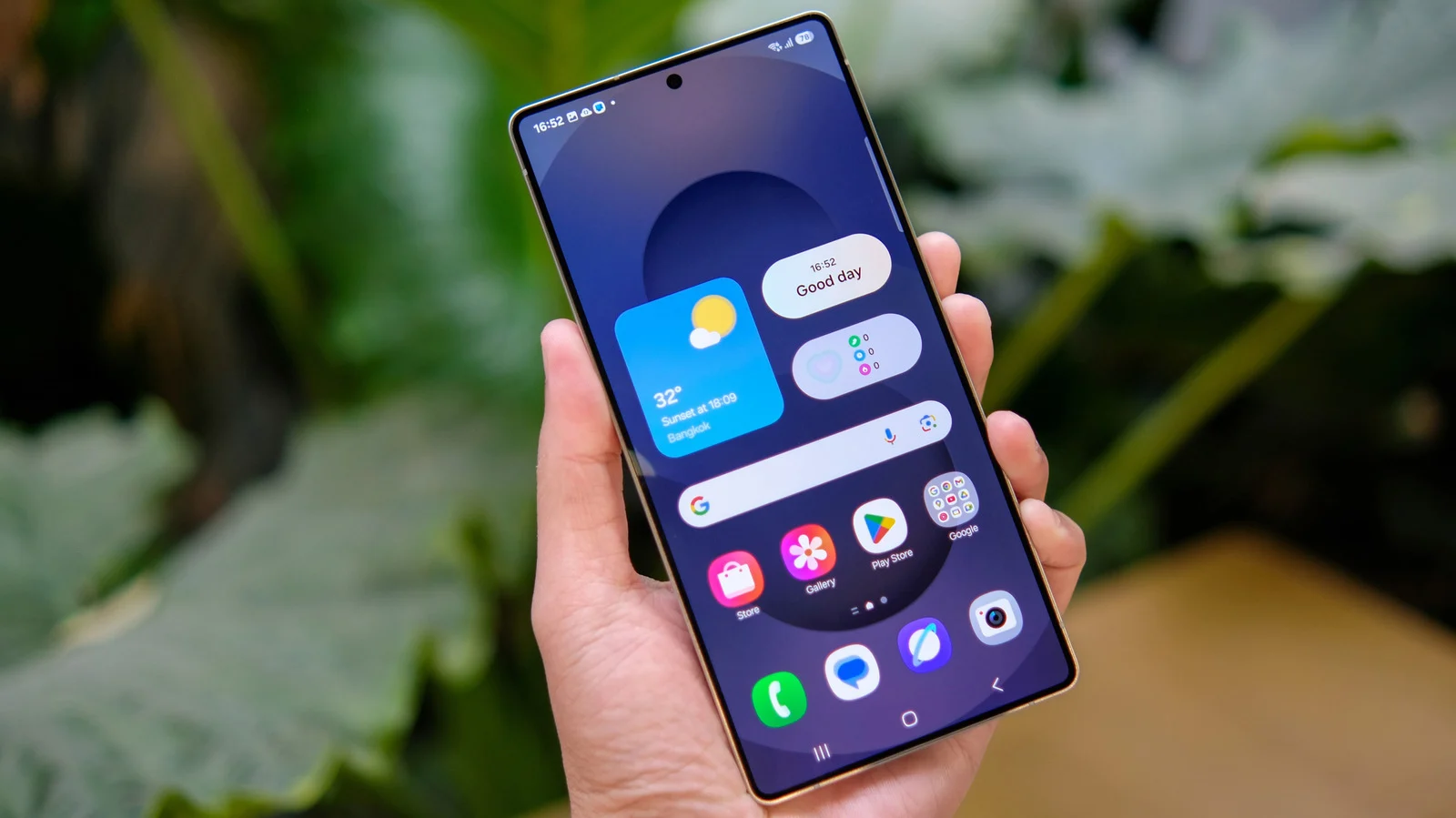
How to enable the button
Users can access the contextual options menu by long-pressing an empty space on their home screen. They must then tap the Settings button located in the bottom right of the displayed options. Scrolling down reveals a toggle labeled Show Apps screen button on Home screen that users can switch on. Activating this feature positions the button to the right within the favorite apps dock located at the bottom.
Reasons for the change
Modern Android versions replaced the dedicated button with a swipe-up gesture to bring up the app drawer. This new method allows users to customize their home screen without hundreds of icons cluttering the display. Some users rely on the older button because they are unaware of the swipe motion or simply prefer the previous layout.
Trade-offs and navigation history
The restored button takes up space that could otherwise hold an extra app in the favorites dock. Samsung remains the last major manufacturer using Android 3.0 Honeycomb three-button navigation by default despite stock Android introducing gestures in 2018. Users who prefer gesture-based navigation can still switch between the two systems within their device settings.
Reported by one outlet
Only one outlet has published this. Nothing here has been checked against a second report, so read it as that outlet's account and follow the link below for the original.
Reported by
1 independent outlet. Headline as published. Links open the original report.