Samsung Galaxy owners can customize app icons and system colors
Samsung smartphone users can now change app icons and system colors using built-in themes and third-party tools like Good Lock.
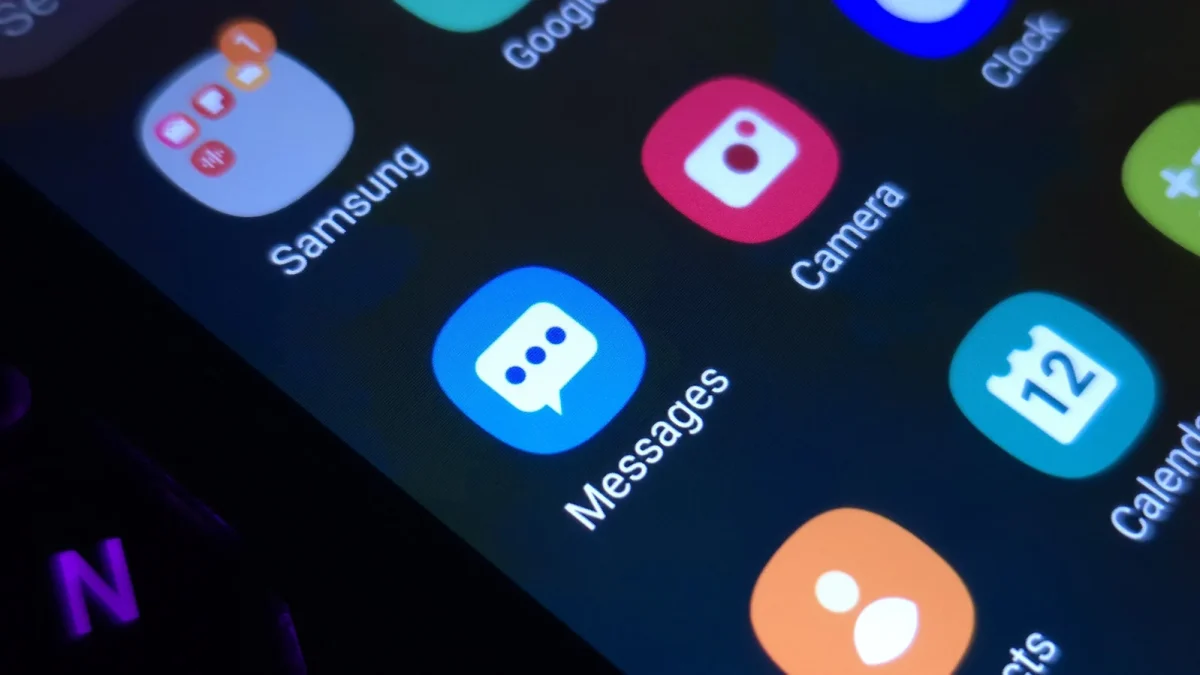
Accessing icon customization options
Users unlock the Themes app by holding an empty area on the Home screen immediately after unlocking their device. They can then browse the My stuff section to download specific icons or apply full themes that alter system apps like Messages and Settings. The process allows owners to select new visuals without needing to upload personal images directly into the icon editor.
Additional tools for deeper changes
Owners upgrading to One UI 9 gain access to a redesigned Quick Panel where they can resize elements or delete unwanted items. The official Good Lock suite from the Play Store offers add-ons such as Theme Park to change individual key colors and notification styles. Furthermore, the Home Up application enables flexible widget placement and custom gesture animations for diagonal swipes that open recent apps.
Activating color palette features
Users can activate a global color palette by navigating to Settings and selecting Wallpaper and style options. Turning on the switch next to Color palette applies chosen hues to switches, buttons, and most app icons across the interface. This feature provides a simple way to refresh the home screen look without downloading completely different theme packages.
Reported by one outlet
Only one outlet has published this. Nothing here has been checked against a second report, so read it as that outlet's account and follow the link below for the original.
Reported by
1 independent outlet. Headline as published. Links open the original report.