Monitors with two USB ports connect accessories to a PC hub
Tech outlets explain that monitors featuring multiple USB ports function as hubs connecting peripherals to a computer rather than powering the display itself.
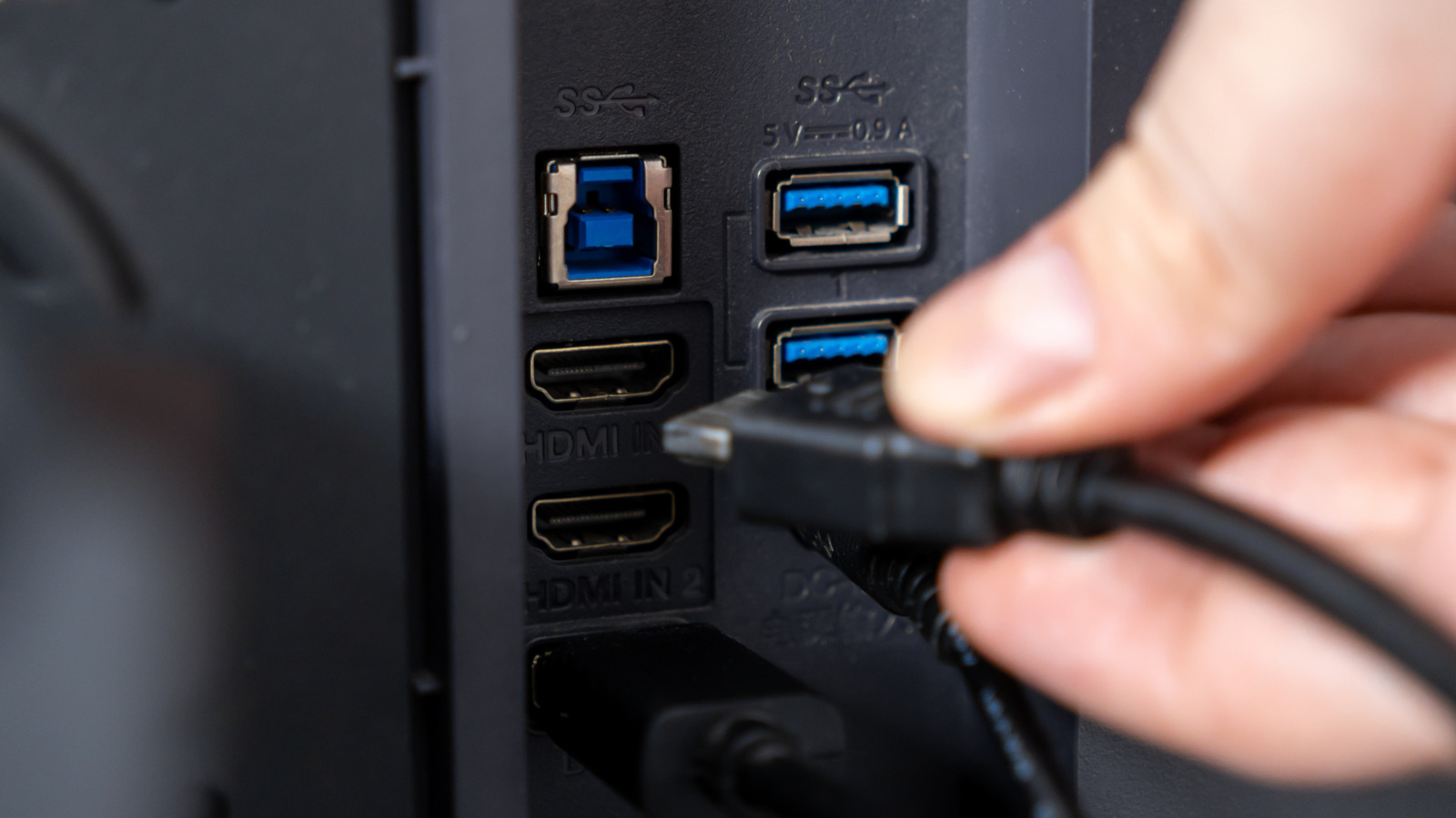
Upstream and downstream connections
The upstream port sends data from the monitor hub back to the computer. Downstream ports accept devices like keyboards, mice, or flash drives for connection to that hub.
Cable requirements vary by model
Some models require a separate video cable while others use a single USB-C link for both picture and data. Supported USB-C monitors can charge a laptop through the same connection used for video and accessory data.
Data travel paths differ
Accessories plug into downstream ports where their data enters the hub before traveling to the computer. The exact configuration depends on whether the video connection and USB hub are separate or combined.
Reported by one outlet
Only one outlet has published this. Nothing here has been checked against a second report, so read it as that outlet's account and follow the link below for the original.
Reported by
1 independent outlet. Headline as published. Links open the original report.