Mini PC users choose between sleep and shutdown modes
Tech writers explain when to use sleep versus shutdown modes for mini PCs running home servers or media centers.
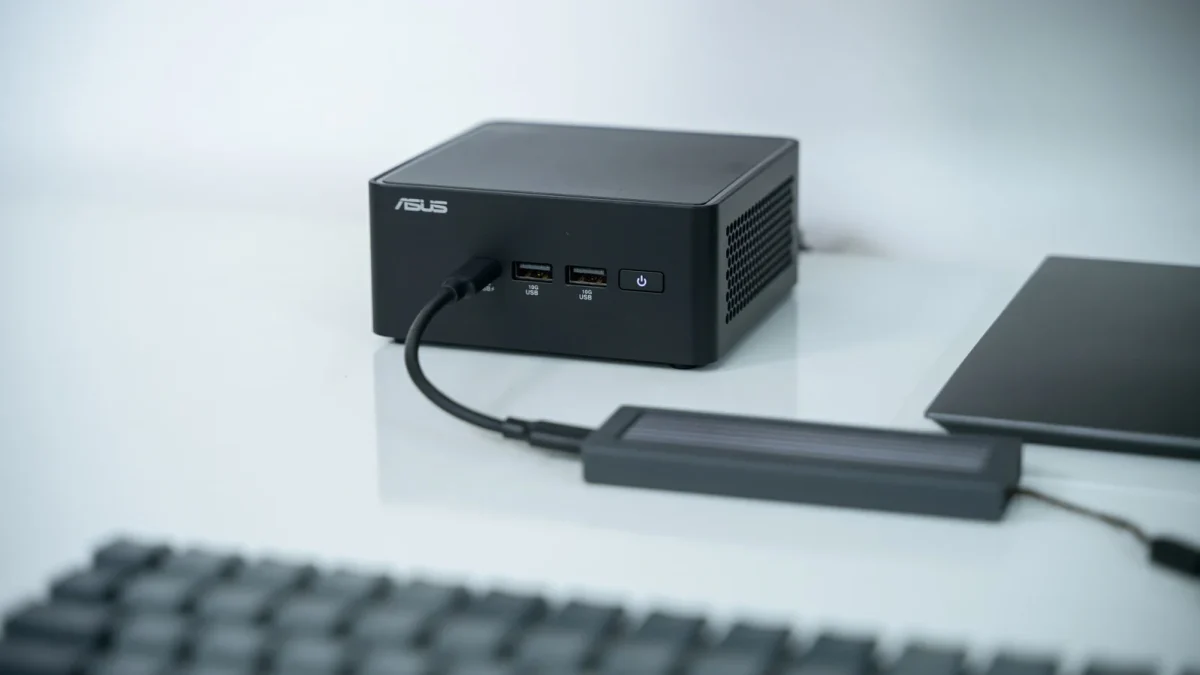
Power consumption varies by mode
Sleep mode allows users to resume the desktop within seconds after stepping away briefly. Shutting down completely requires waiting a couple of minutes even with modern SSDs. A Mini PC left in sleep mode uses between one and four watts of electricity. A full shutdown closes open applications and gives the computer a fresh start.
Hibernation offers mixed benefits
Windows hibernation saves the current state of programs to the disk before powering down completely. Turning the PC back on restores the previous session including any open documents. Booting a hibernated PC takes longer than resuming from standard sleep mode. Users can unplug the computer when using this feature just like a full shutdown.
Hardware safety in sleep state
Small amounts of power running through components do not cause major damage to internal parts. Electronic capacitors were more sensitive to constant power in prior decades but are robust now. Users can keep mini PCs powered on 24 hours a day for streaming media. Frequent brownouts or electrical anomalies remain the only risks that might affect these components.
Reported by one outlet
Only one outlet has published this. Nothing here has been checked against a second report, so read it as that outlet's account and follow the link below for the original.
Reported by
1 independent outlet. Headline as published. Links open the original report.