Microsoft adds Xbox mode to Windows 11 PCs
Microsoft introduced Xbox mode for Windows 11 computers in May to provide a controller-friendly interface with a redesigned app layout.
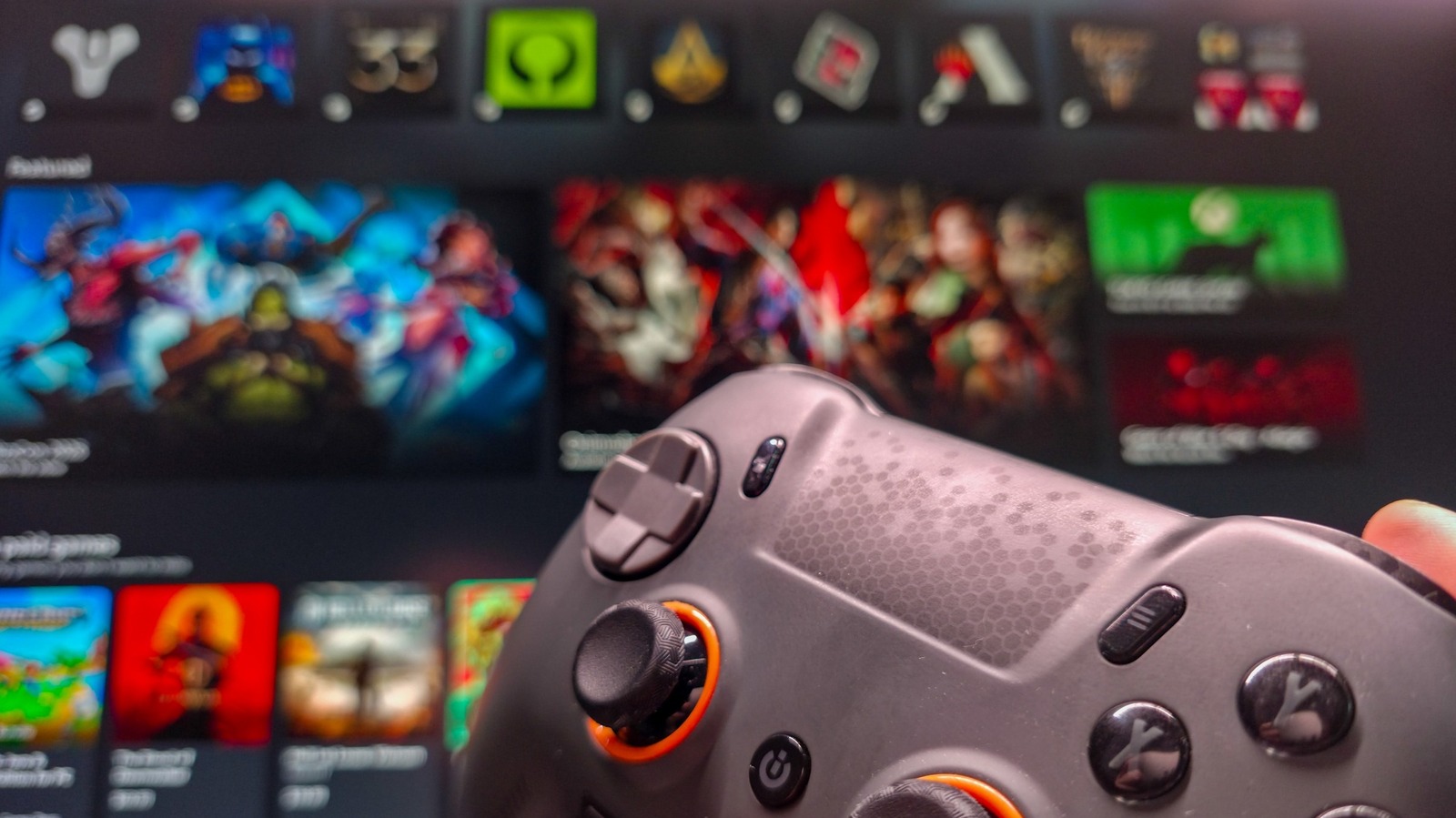
Enabling the new gaming feature
Users must open Settings using the Win plus I shortcut to access the Gaming menu. Selecting Xbox mode reveals a slider that allows users to turn the feature on or off. The system drops the standard taskbar and loads all game libraries into the redesigned application once activated.
Controller compatibility requirements
Testing confirms that Xbox, PC, and PlayStation controllers all function correctly with this mode enabled. Connecting a gamepad before starting the process speeds up the initial setup for users. The feature aims to improve the experience for players who prefer using input devices over a keyboard.
Update availability timeline
Everyone who regularly installs updates should have received this addition by now since it launched in May. The update addresses previous concerns about the Windows 11 gaming environment becoming difficult to use. Microsoft continues to add features to help the operating system feel fresh for gamers.
Reported by one outlet
Only one outlet has published this. Nothing here has been checked against a second report, so read it as that outlet's account and follow the link below for the original.
Reported by
1 independent outlet. Headline as published. Links open the original report.