iOS updates bring new CarPlay customization options to iPhone users
Apple is set to introduce new features for its CarPlay system starting with iOS 26 and continuing through iOS 27.
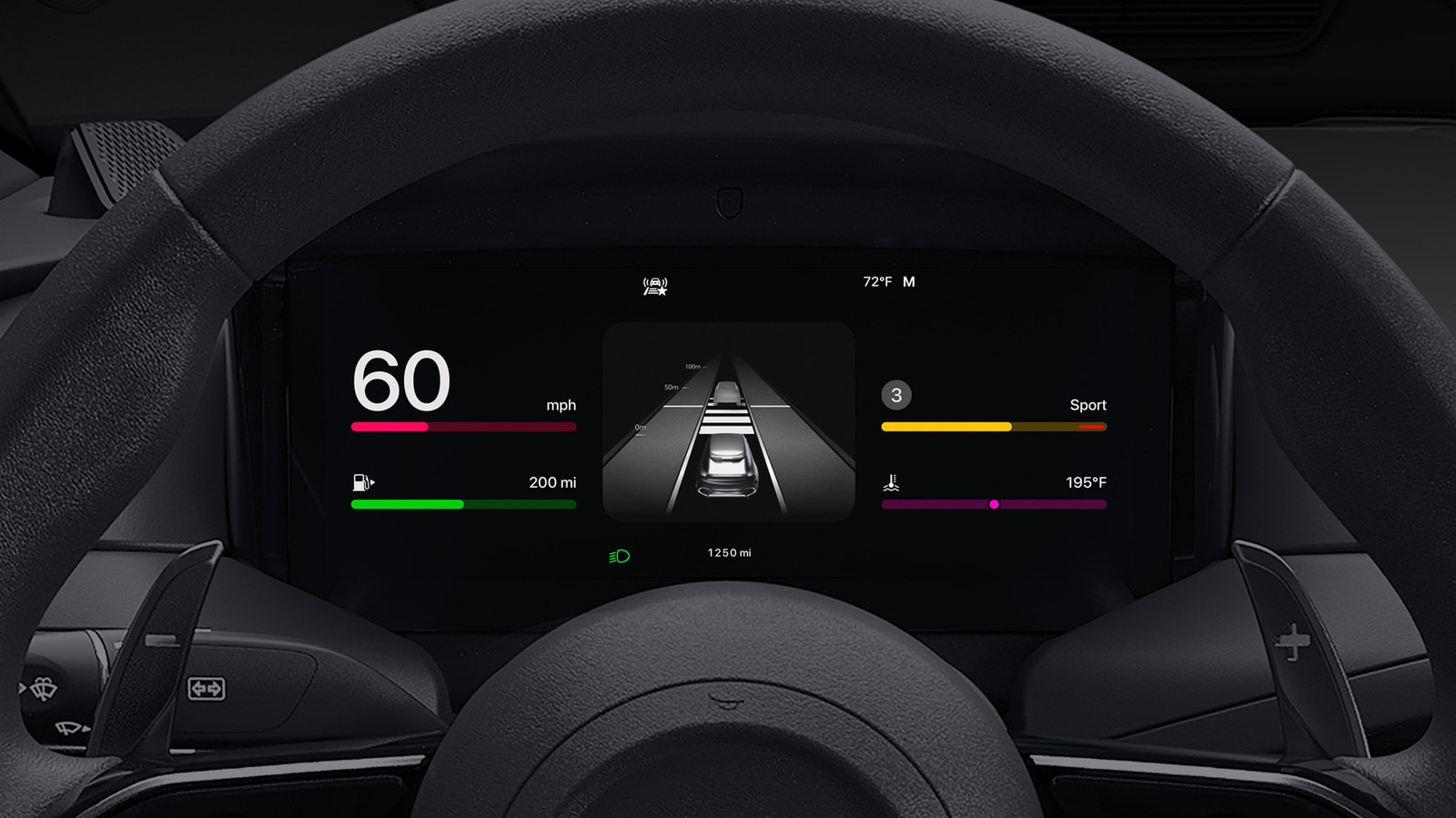
Customizing the app layout
Users must rearrange icons on their iPhone rather than the car display to change the order. Accessing Settings, General, and CarPlay allows drivers to select a specific vehicle and manage the Apps menu. Dragging apps up or down prioritizes frequently used tools on the first page of the screen.
Managing compatible applications
The number of visible apps depends on the size of the car's infotainment display. Drivers can remove unwanted programs by tapping a red minus sign or add new ones with a green plus. Starting with iOS 26, users will be able to organize their system further using CarPlay widgets.
Reported by one outlet
Only one outlet has published this. Nothing here has been checked against a second report, so read it as that outlet's account and follow the link below for the original.
Reported by
1 independent outlet. Headline as published. Links open the original report.