iOS 27 Adds Automatic Subtitles With New Settings
Apple's iOS 27 update introduces automatic subtitles for videos on iPhone 15 Pro and later models, though users can disable the feature through specific settings.
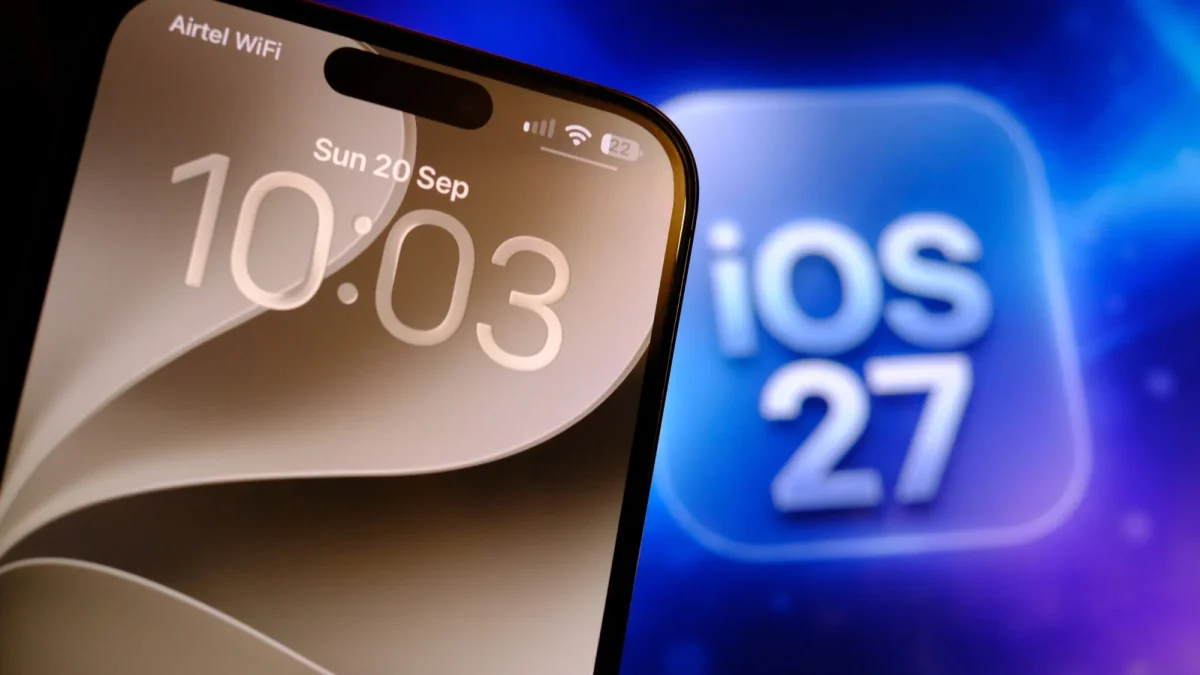
Automatic Captions Appear On Videos
The new operating system adds captions to videos automatically when certain conditions are met. These subtitles appear on the iPhone 15 Pro and later models using Apple's video player. The feature activates if the phone is muted or if a user rewinds a video. It also turns on when the video language does not match the device's preferred language.
Users Can Disable The Feature
People can turn off these automatic subtitles by tapping the video and selecting More Controls. Within that menu, users must select Subtitles and then tap Off to stop them. This process applies to videos in supported apps as well as Apple's own video player. Text embedded directly inside a video file remains unaffected by these specific settings.
Settings May Reset After Update
The automatic subtitle toggles might turn back on after the user installs the latest update. Users should check the Accessibility menu under Subtitles and Captioning to verify their choices. They can disable triggers for mismatched languages, muted audio, and skip-back actions individually. Apps with their own caption controls may require separate adjustments within their internal menus.
Reported by one outlet
Only one outlet has published this. Nothing here has been checked against a second report, so read it as that outlet's account and follow the link below for the original.
Reported by
1 independent outlet. Headline as published. Links open the original report.