Car owners can manually switch between paired iPhones for CarPlay
Drivers with multiple paired iPhones must manually change connections if their car selects a passenger phone instead of the driver's device.
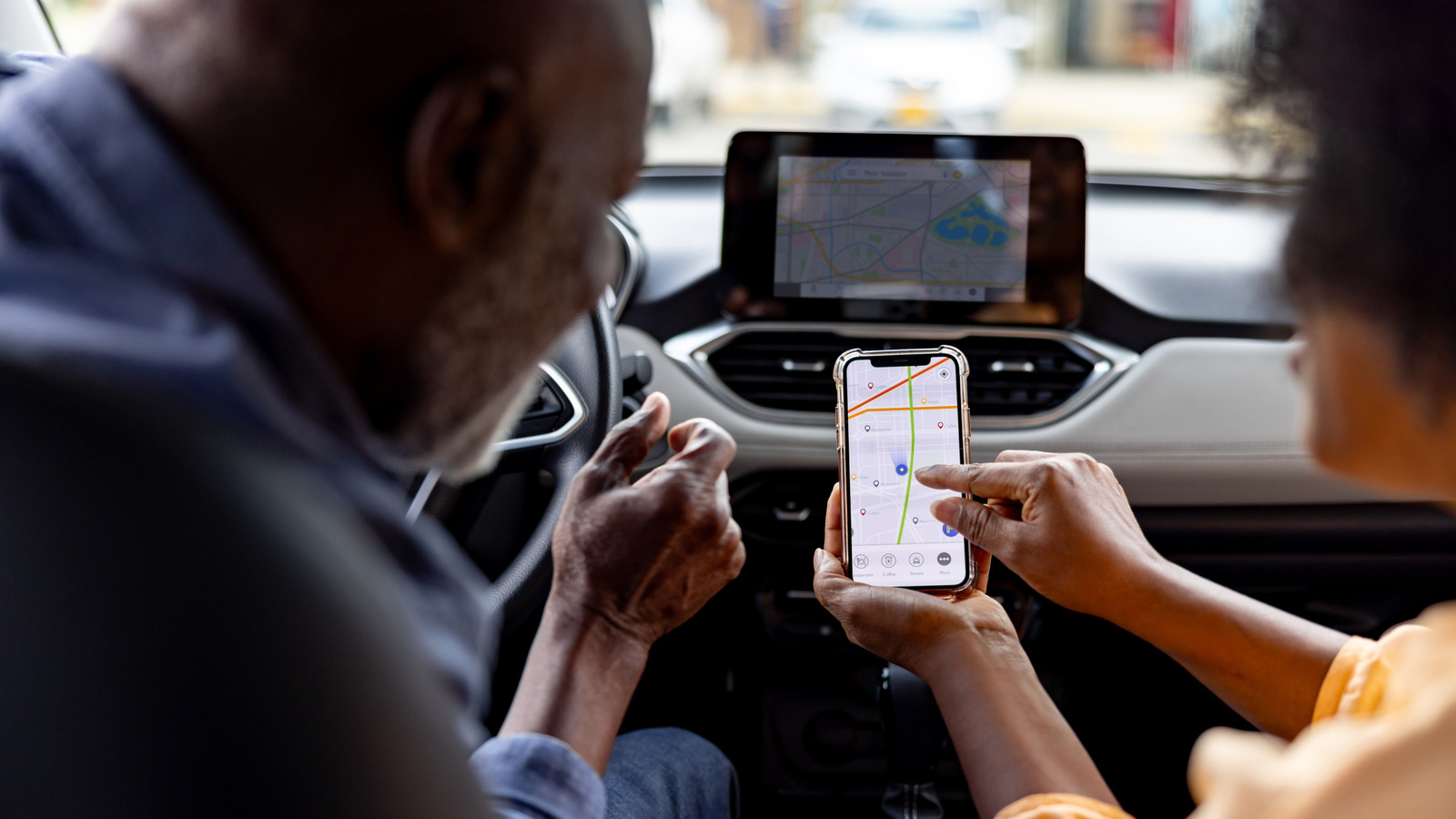
Automatic connection issues occur
CarPlay systems usually connect automatically to the driver's iPhone without user intervention. Problems arise when the infotainment system picks up a passenger phone that was previously paired. This situation requires the driver to manually switch the connection back to their own device.
Manufacturer settings vary widely
Some vehicle manufacturers allow users to set a preferred or primary phone for priority access. Others, like Hyundai, let drivers change connections while the vehicle is in motion. The specific location of these controls depends on the car brand and its infotainment menu.
Memory retains user preferences
Vehicles often remember a driver's chosen phone preference for future use. If the same devices are detected again, the system should reconnect to the saved choice. However, manual troubleshooting may still be needed if connection issues persist.
Reported by one outlet
Only one outlet has published this. Nothing here has been checked against a second report, so read it as that outlet's account and follow the link below for the original.
Reported by
1 independent outlet. Headline as published. Links open the original report.