Apple adds slider to adjust Liquid Glass effect in iOS 27
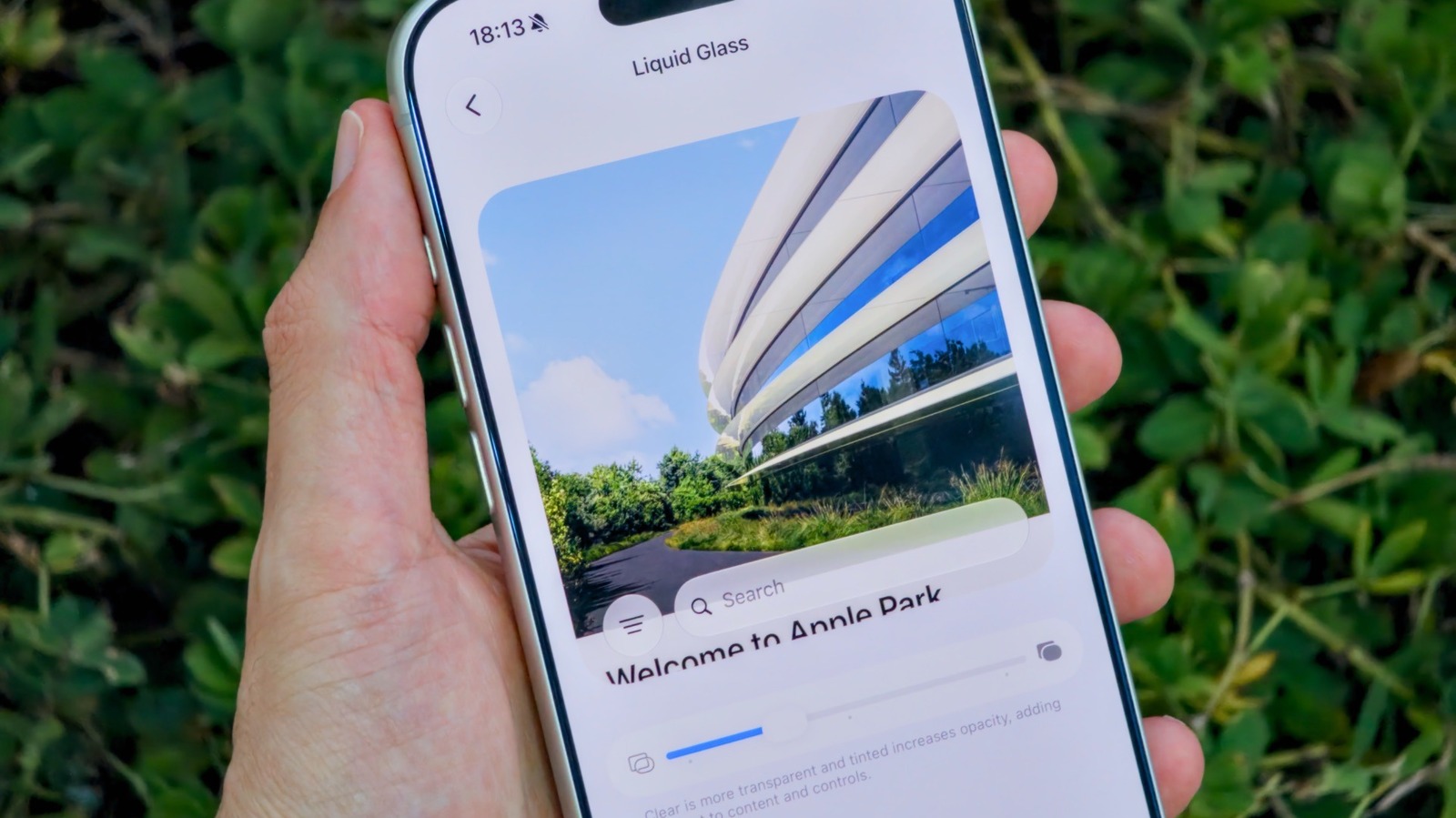
Apple introduced a new slider in iOS 27 that lets users customize the opacity and contrast of the Liquid Glass interface on their iPhones.
New customization controls arrive
Users can now access a slider within the Appearance settings menu to modify the glass effect. Dragging the control to the left increases transparency, while moving it right creates a more opaque look. This update replaces the previous rigid toggles found in earlier versions of the operating system.
Previous options remain available
The new feature builds on Tinted Mode from iOS 26.1 but offers finer control over readability. Users who previously used Clear or Tinted options can now fine-tune the balance between glass and solid appearance. The change addresses complaints that the glossy design reduced text clarity for some people.
Reported by one outlet
Only one outlet has published this. Nothing here has been checked against a second report, so read it as that outlet's account and follow the link below for the original.
Reported by
1 independent outlet. Headline as published. Links open the original report.