Android users can block and unblock unwanted callers using built-in phone apps
Android phone owners can stop calls from specific numbers by using the Phone or Contacts applications on their devices.
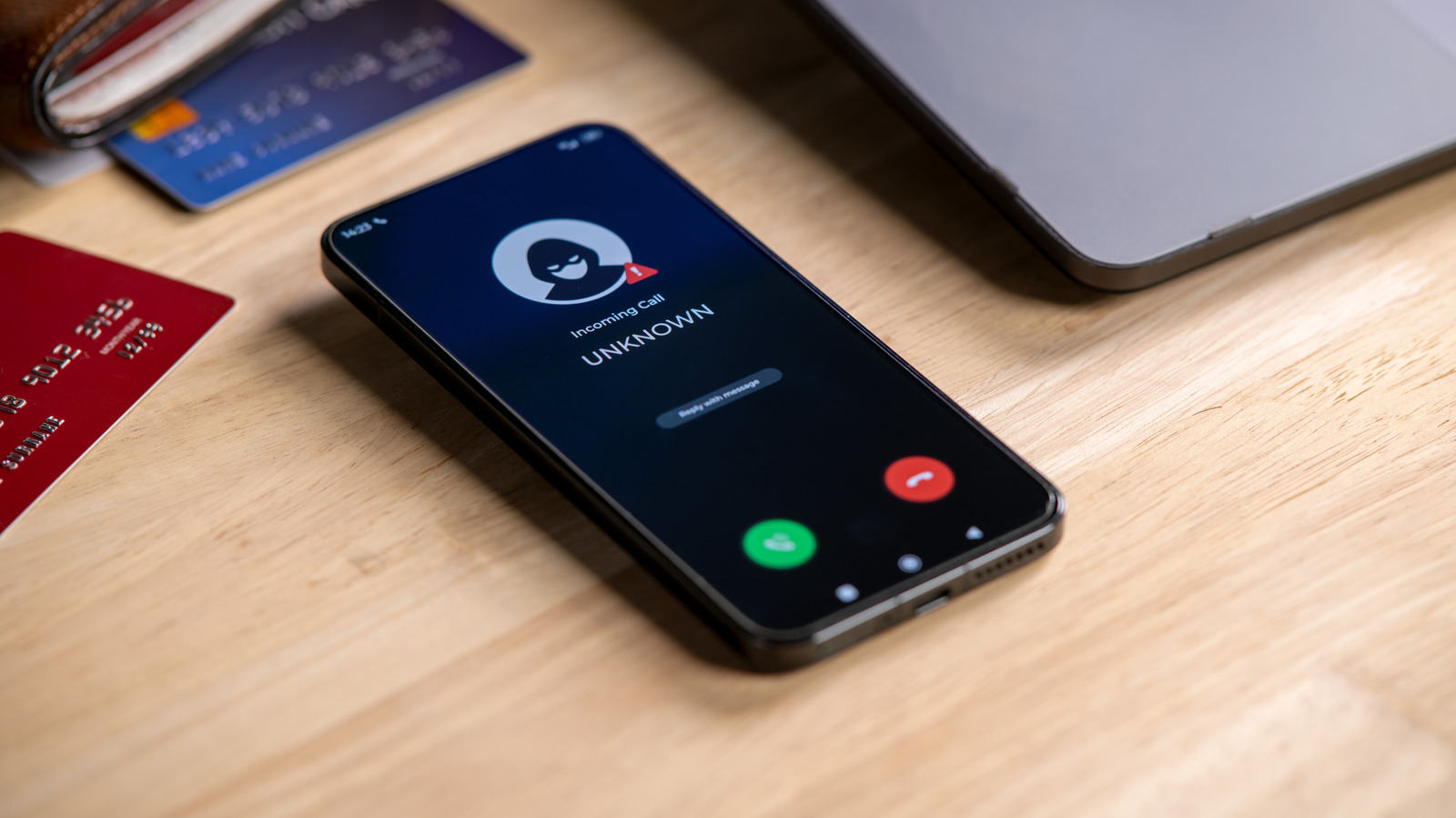
Blocking methods vary by device
The exact process for blocking numbers differs based on the specific Android device a user owns. Most phones allow access to these features through the standard Phone or Contacts app.
Samsung offers two options
Samsung devices provide two distinct ways to block calls, one using the Contacts app and another for unsaved numbers via the Phone app. Users must open the relevant application and select the contact they wish to restrict.
Unblocking is also possible
If a user changes their mind about a banned number, they can unblock it directly from the same applications. The Phone or Contacts app serves as the primary location for managing these restrictions.
Reported by one outlet
Only one outlet has published this. Nothing here has been checked against a second report, so read it as that outlet's account and follow the link below for the original.
Reported by
1 independent outlet. Headline as published. Links open the original report.