Android Auto updates manually via Play Store if automatic fails
Users can manually update the Android Auto app through the Google Play Store when automatic background updates do not occur.
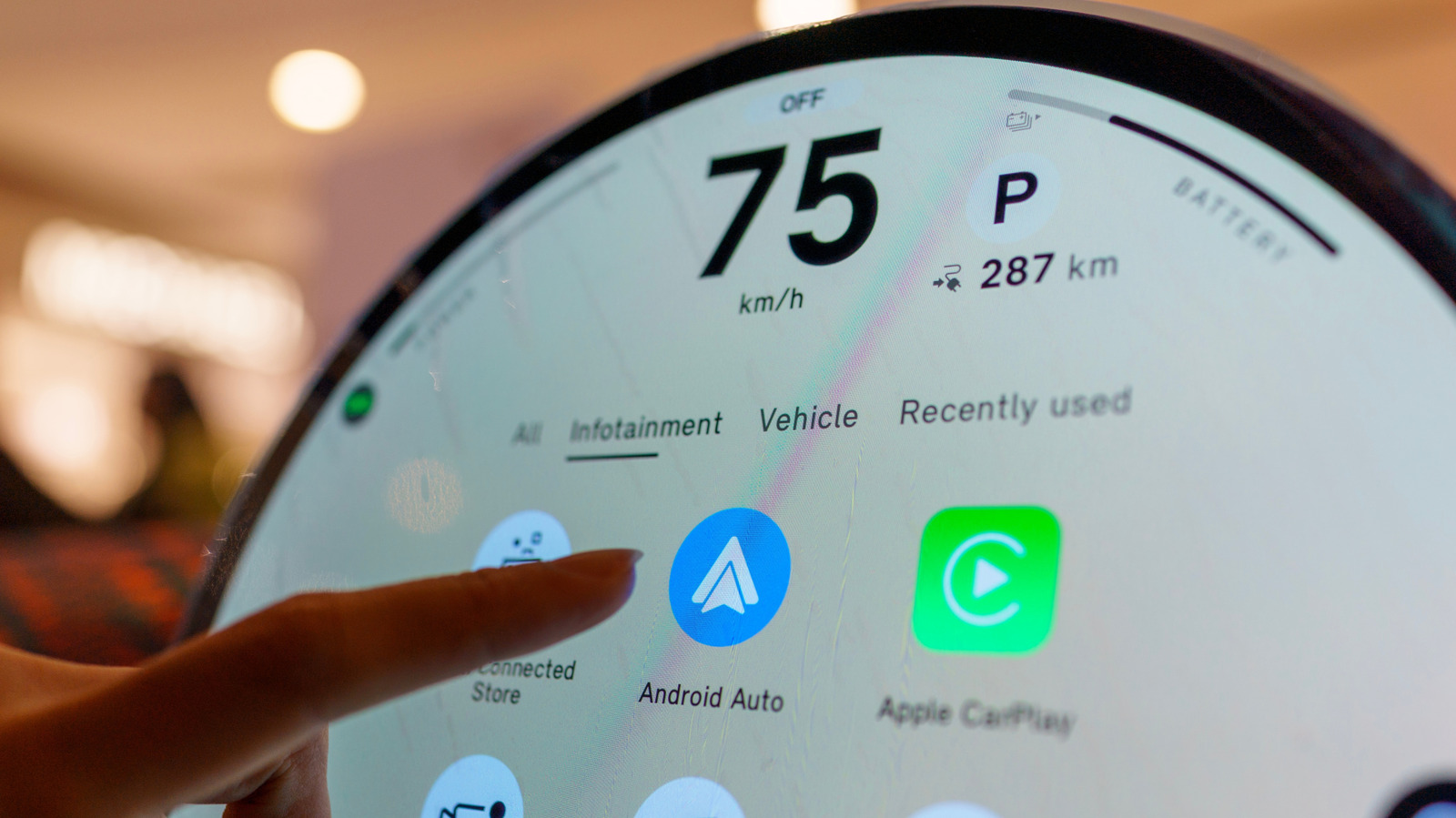
App relies on smartphone for features
Android Auto functions as a regular application rather than a core system component. All features run directly from the user's phone and appear on the car display. The Play Store manages these updates instead of the operating system itself.
Automatic updates may fail sometimes
Background updates can stop working if the phone does not detect a Wi-Fi network. By default, the store avoids using cellular data to update apps automatically. Users must check for new versions manually if the automatic process fails.
Reported by one outlet
Only one outlet has published this. Nothing here has been checked against a second report, so read it as that outlet's account and follow the link below for the original.
Reported by
1 independent outlet. Headline as published. Links open the original report.